

Every domain name is registered in the name of a person or an organization. That person or organization is the domain holder. Officially, the domain holder owns the domain name. Simply put: the domain holder is the owner.
Each domain name has exactly one domain holder. One domain holder can hold many domain names, though.
Your contacts: who can be domain holder
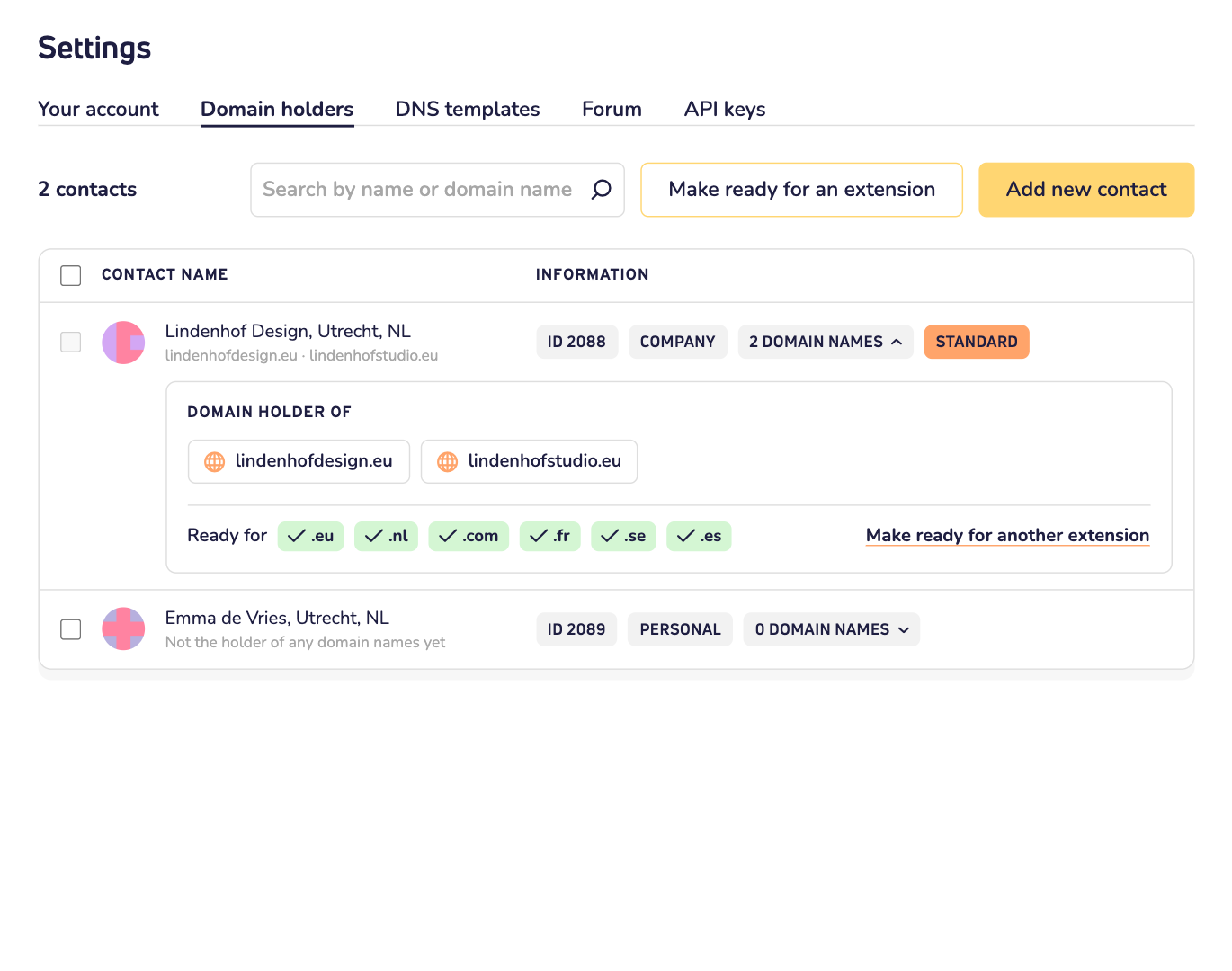
In your dashboard, the people and companies you can choose as domain holder are your contacts. Think of yourself, your company or a client. Each contact can be the domain holder of one or more of your domain names.
You find your contacts under Settings, in the Domain holders tab. Need a new one? Click Add new contact.
Want to see which domain names a contact holds? Click the number of domain names next to it. They're listed under Domain holder of.
Your default contact
The first contact in your account is your default contact. You'll recognize it by the label standard.
We use the default contact as domain holder for new orders, unless you choose another contact when you order. In your cart, that's the option Same as billing details.
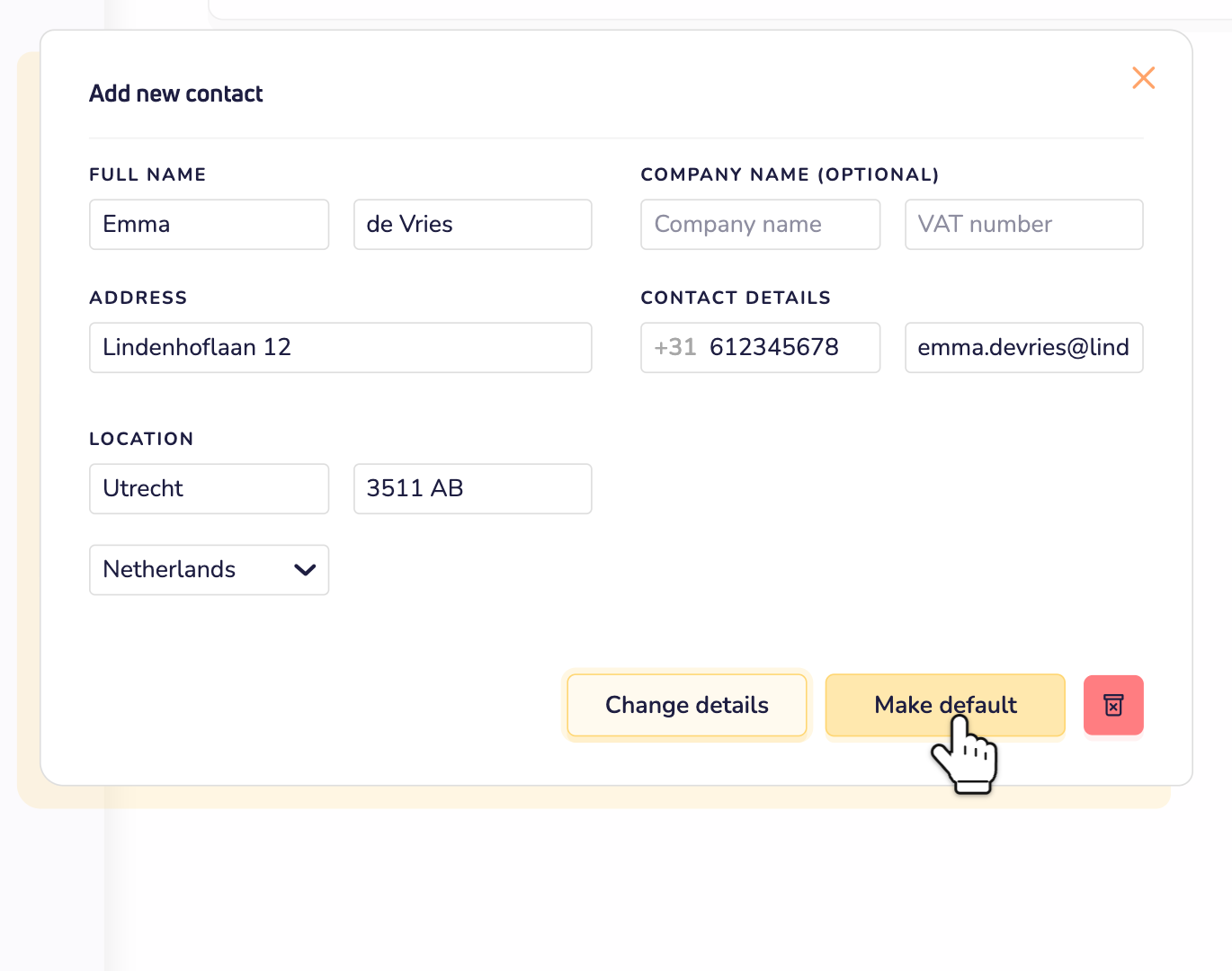
Want another contact as your default? Click the contact and then click Make default. This only counts for new orders. Your domain names keep the domain holder they have.
Change the domain holder of a domain name
Open the domain name in your dashboard. Go to Domain settings and choose Domain holder. Then click Change domain holder and pick the new domain holder.
For almost all extensions, that's free. For a few, it isn't. Then you see the cost before you go ahead. Read whether changing the holder of your domain name is free.
Some extensions need more details
Some domain extensions ask for extra details about the domain holder, like an ID number or a company registration number. You can add those before you order. Here's how to make a contact ready for a domain extension.