

Need an invoice for your records? All of them are in your dashboard. Download one, or all at once.
Download an invoice
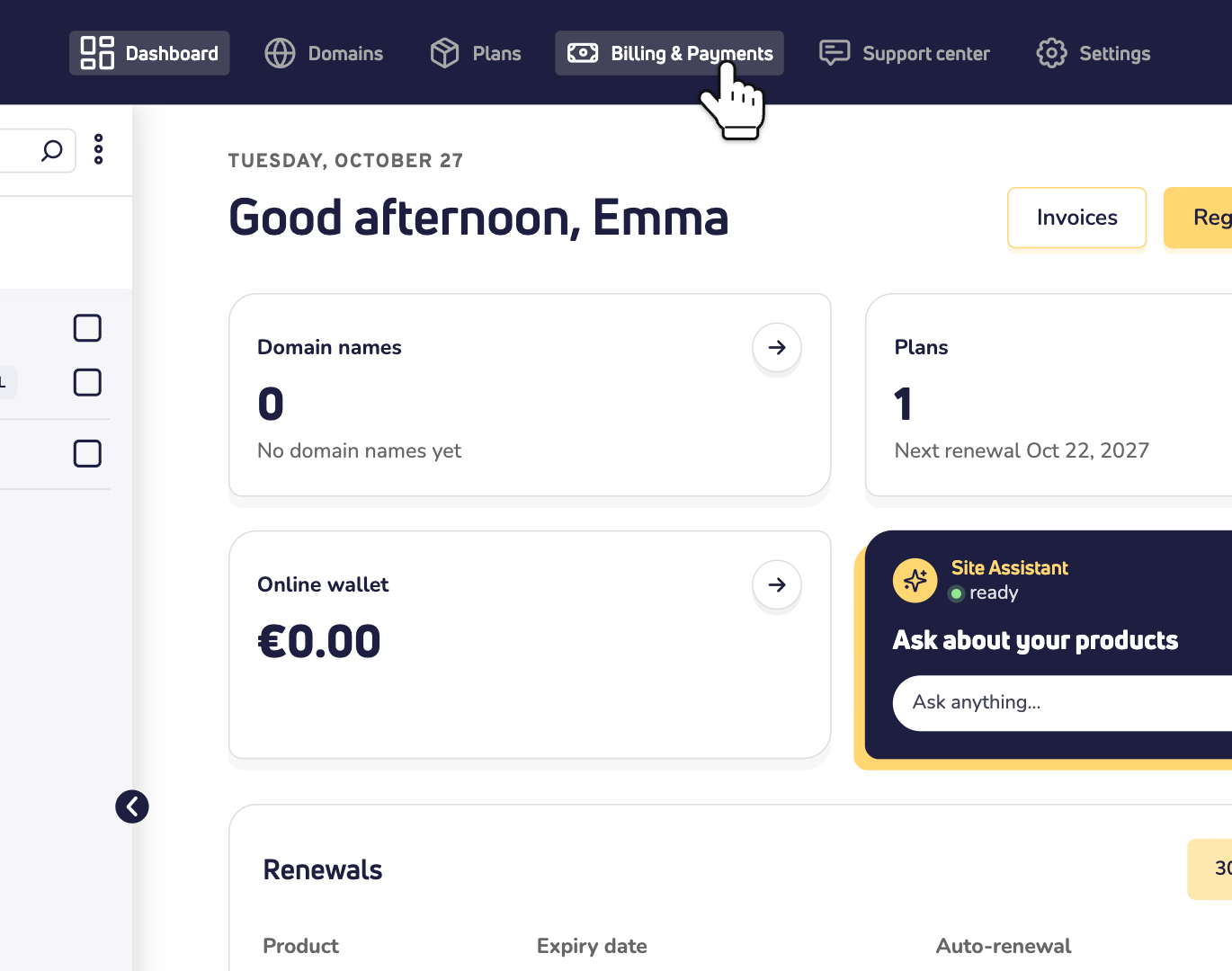
Step 1: Log in to your dashboard and click Billing & Payments at the top.
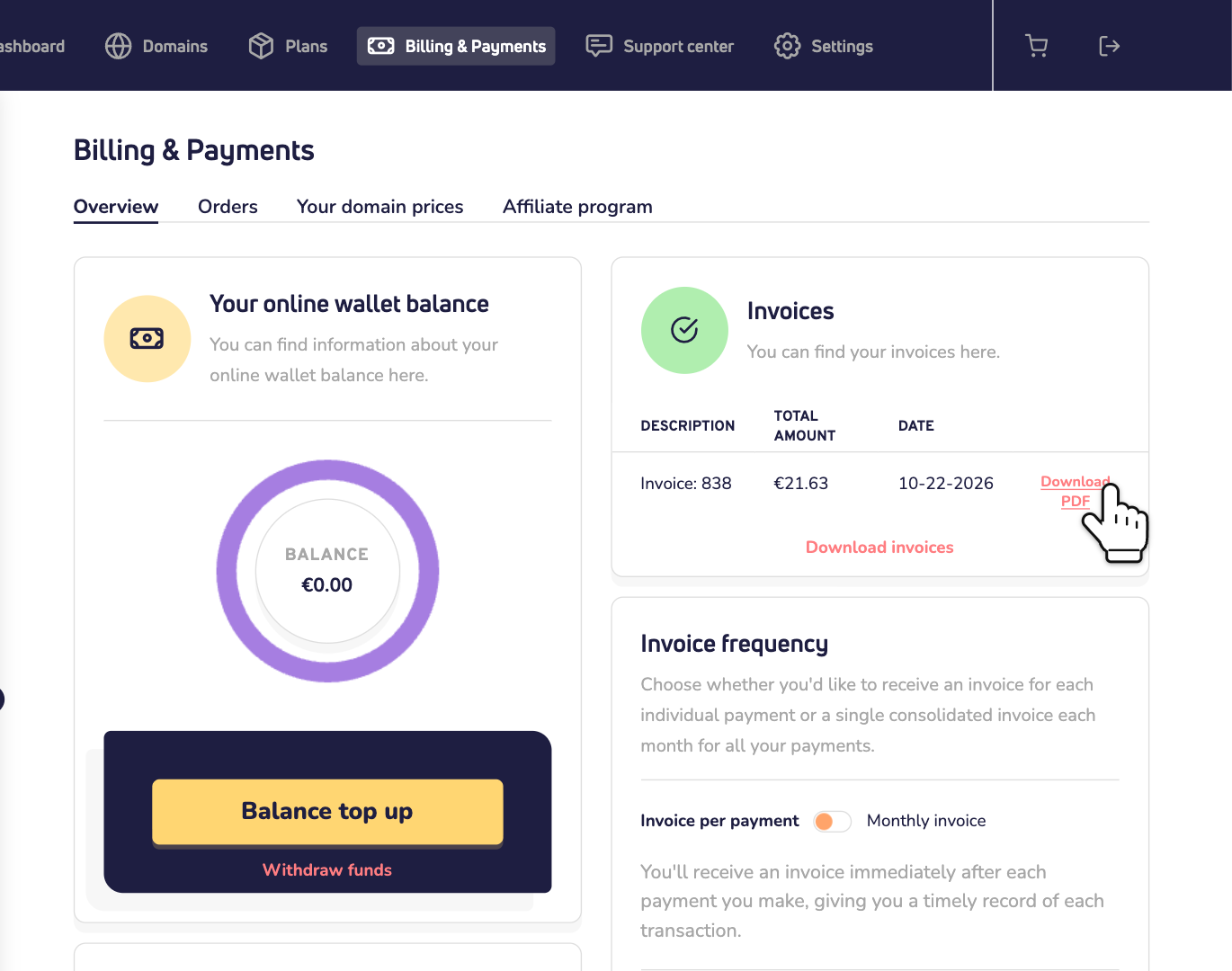
Step 2: Under Invoices, find the invoice and click Download PDF.
Download several invoices at once
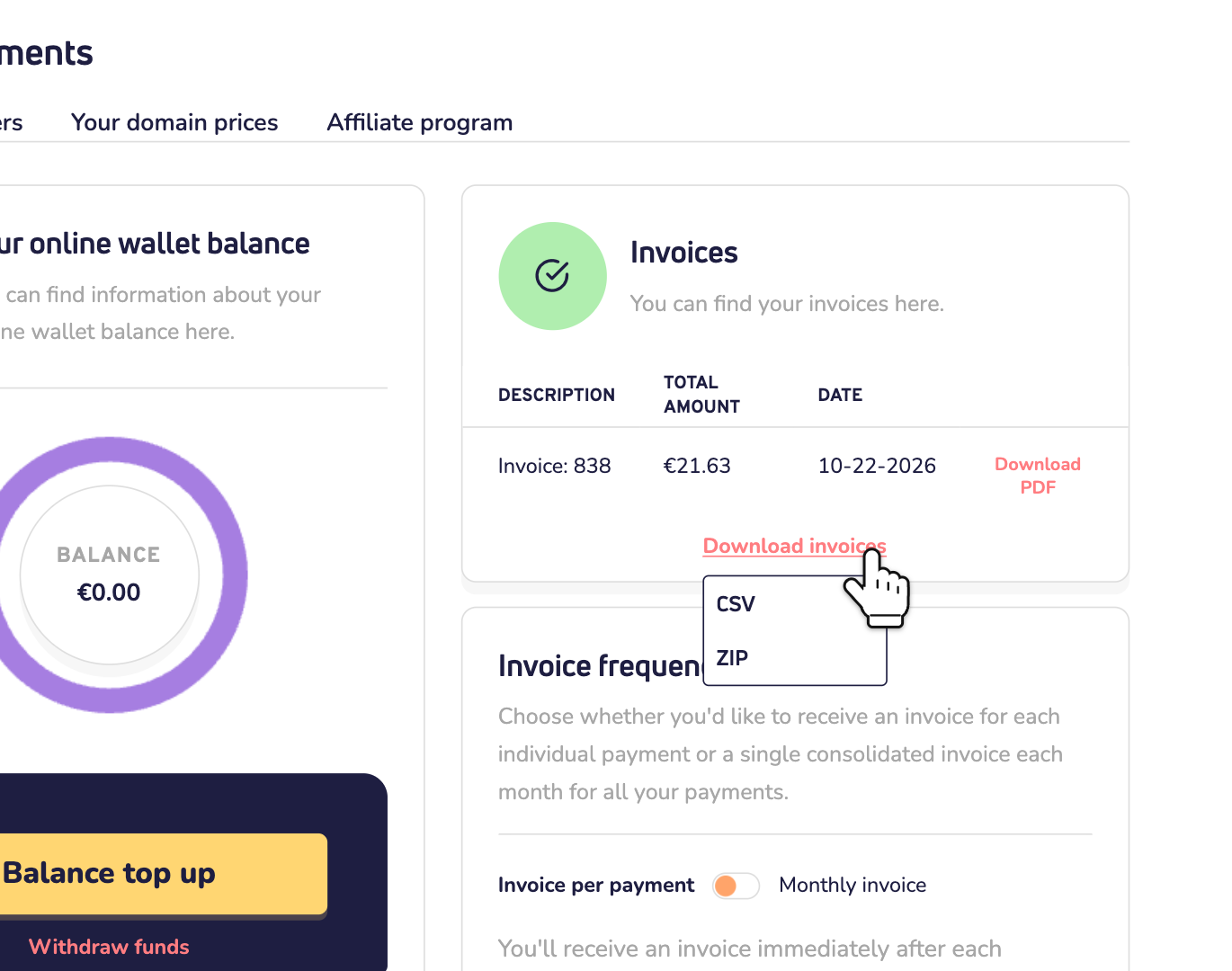
Click Download invoices under the list and choose CSV or ZIP.
One invoice per month?
By default, you get an invoice right after each payment. Prefer one invoice a month? Under Invoice frequency, switch to Monthly invoice and click Save invoice setting.
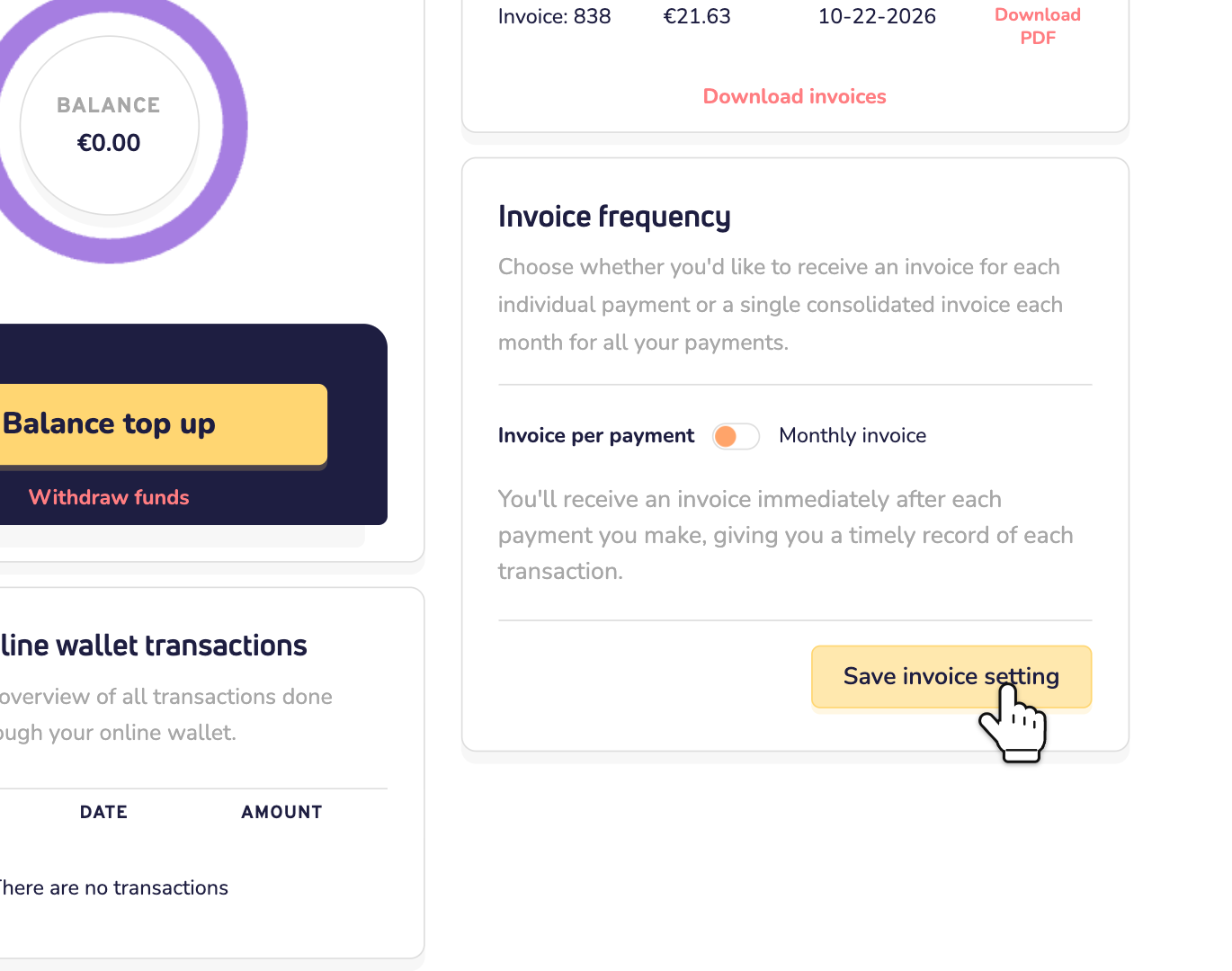
From then on, you get one invoice on the first day of each month. It covers all your payments of the month before. Handy if you have a lot of products with us.
Good to know
- Shortcut: the Invoices button on your dashboard home takes you there too.
- An order you haven't paid yet has no invoice. You find it under Orders.
- Paid by bank transfer? Then the invoice shows up once your payment has arrived. Read how fast a bank transfer is processed.