
Forgot your Site.eu dashboard password? No stress. You can request a reset link from the login page in a few clicks.
You only need one thing: the email address linked to your Site.eu customer account.
Reset your password
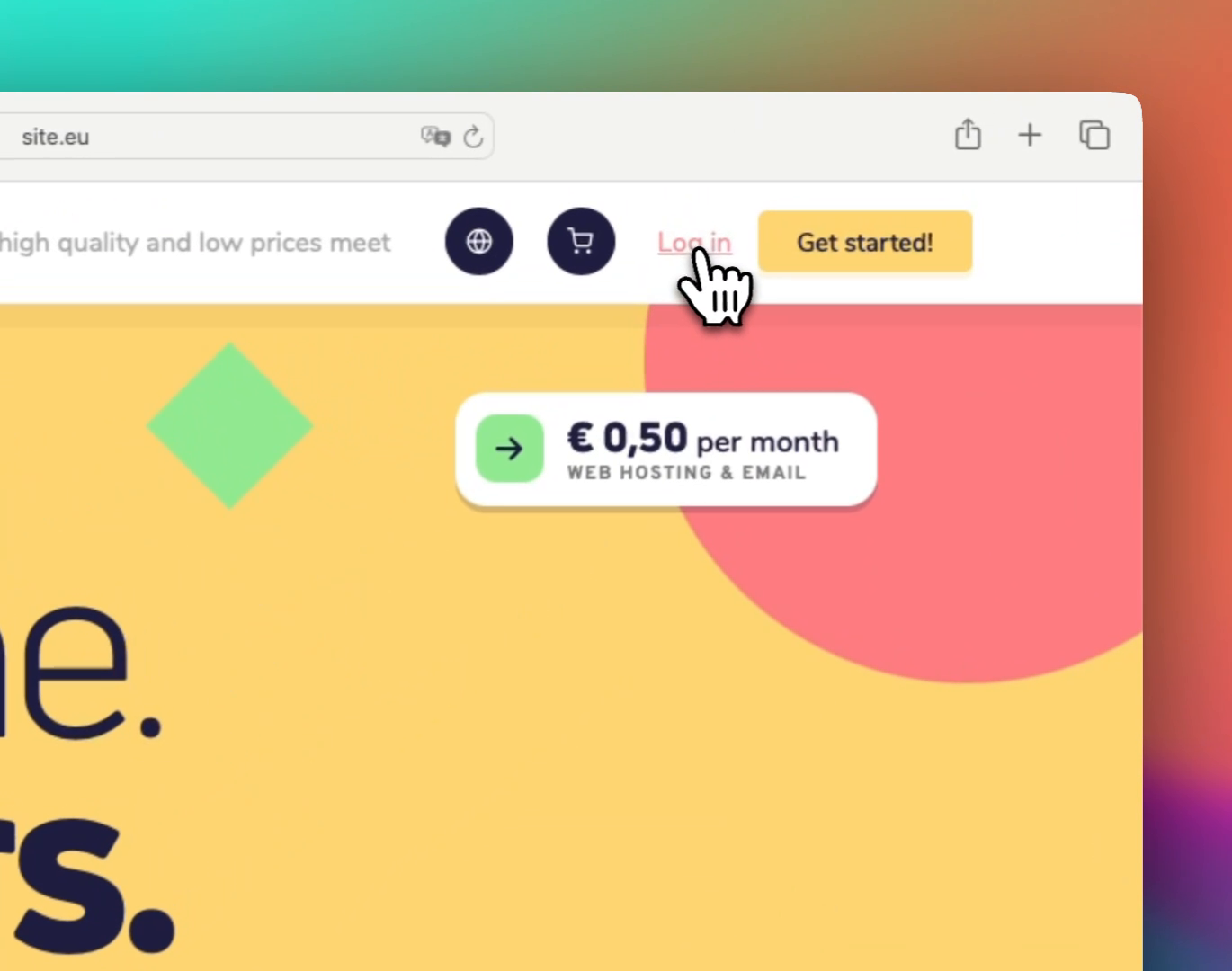
Step 1: Go to the Site.eu login page
Open the Site.eu website and click Log in in the menu.
Step 2: Click forgot password?
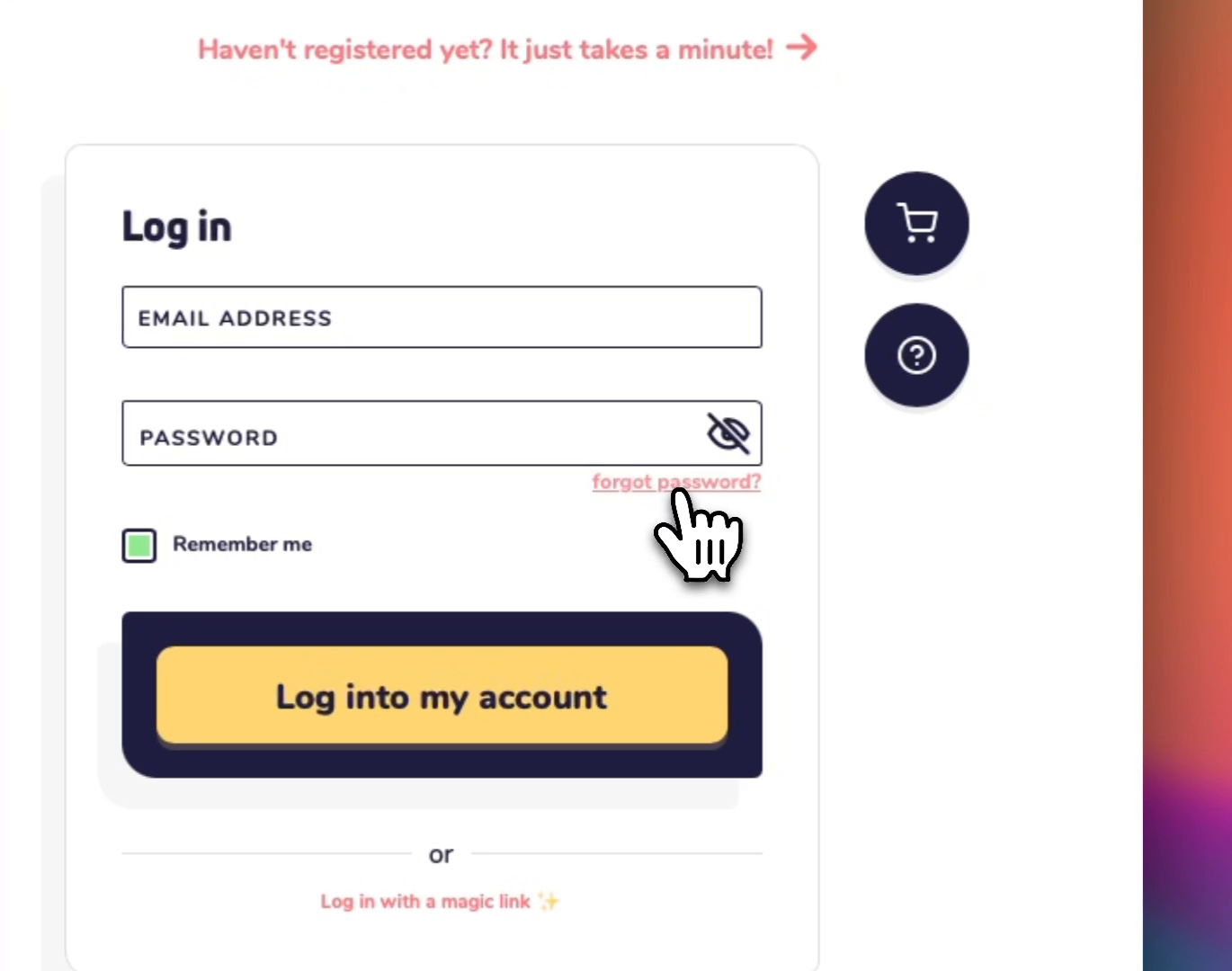
On the login screen, click the forgot password? link below the password field.
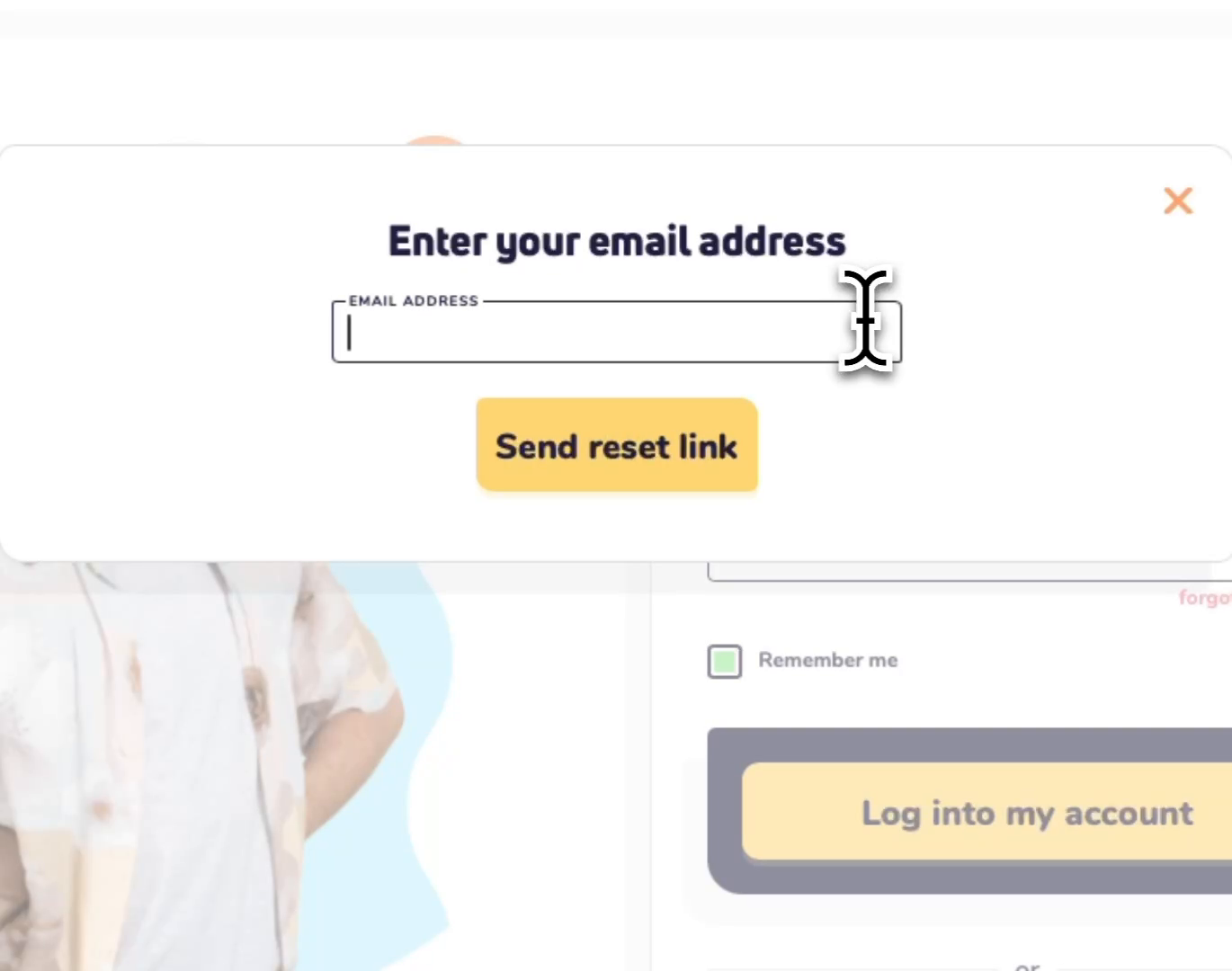
Step 3: Enter your customer email address
Type the email address you use for your Site.eu account. Then click Send reset link.
Step 4: Check your email
We will send you a password reset link. Think of it like a one-time key. Open the email and follow the steps to choose a new password.
Did the email not arrive?
Try these quick checks first:
- Check your spam or junk folder
- Try again with the same email address you use for your Site.eu account
- Wait a few minutes, because email can sometimes be slow
If you no longer have access to that email address, contact our support team. We can help you get back into your account after checking that the account is yours.