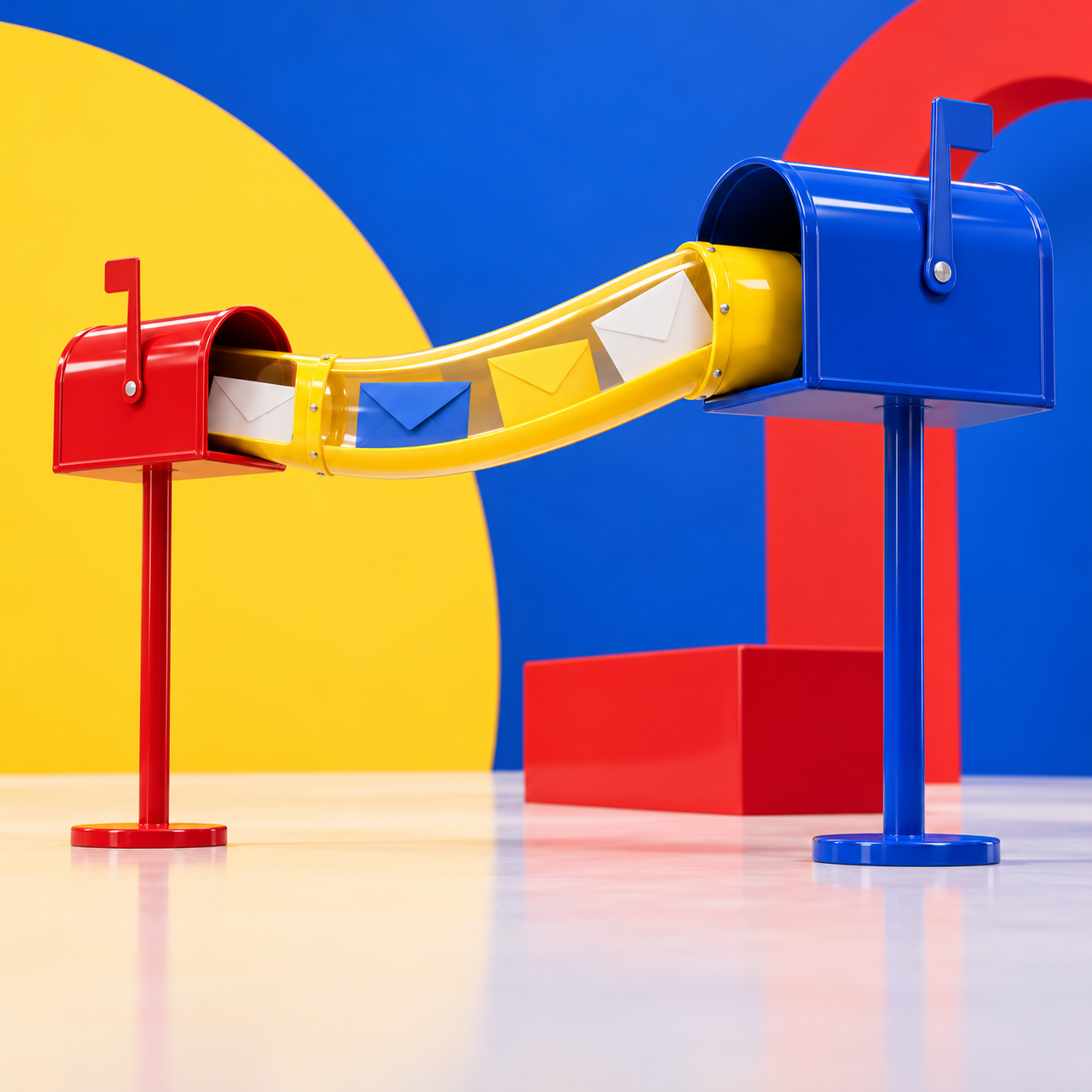
A forwarder passes email on. Mail sent to one address goes straight to another mailbox. The forwarder itself has no inbox and no password.
Think of moving house. You ask the post office to forward your mail. Letters still come to your old address, but they land in your new mailbox.
Handy when you want an extra address, but not an extra mailbox. For example: mail to sales@yourdomain.eu lands in the inbox of info@yourdomain.eu.
Before you start
You can only forward to an email address created with Site.eu. That can be a mailbox on this domain name, or on another domain name in your account. Why? Read the risk of forwarding emails to external email addresses.
No mailbox yet? Follow our guide to creating an email address first.
Create a forwarder
Step 1: Log in to your Site.eu dashboard and open your domain name.
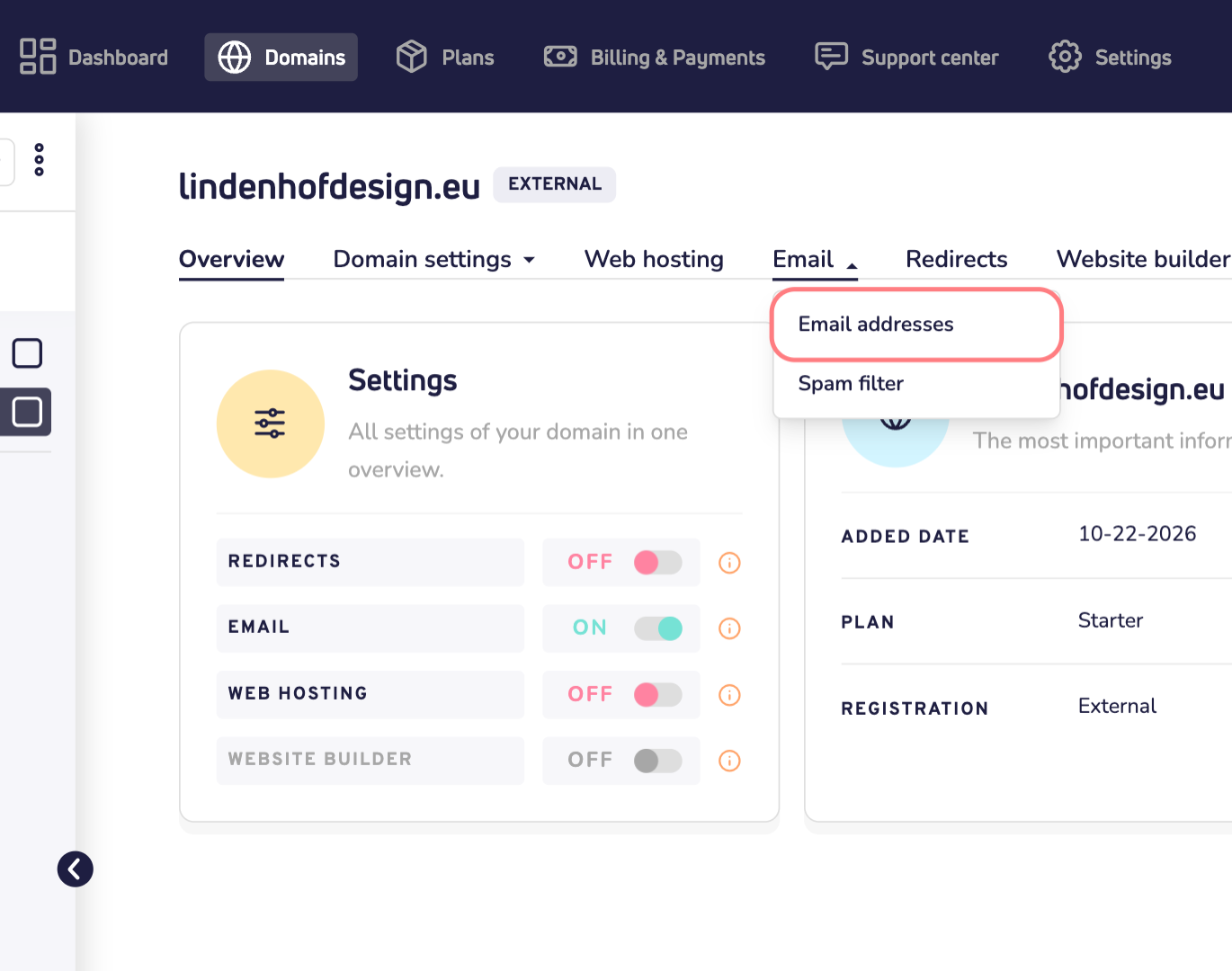
Step 2: Click Email and choose Email addresses.
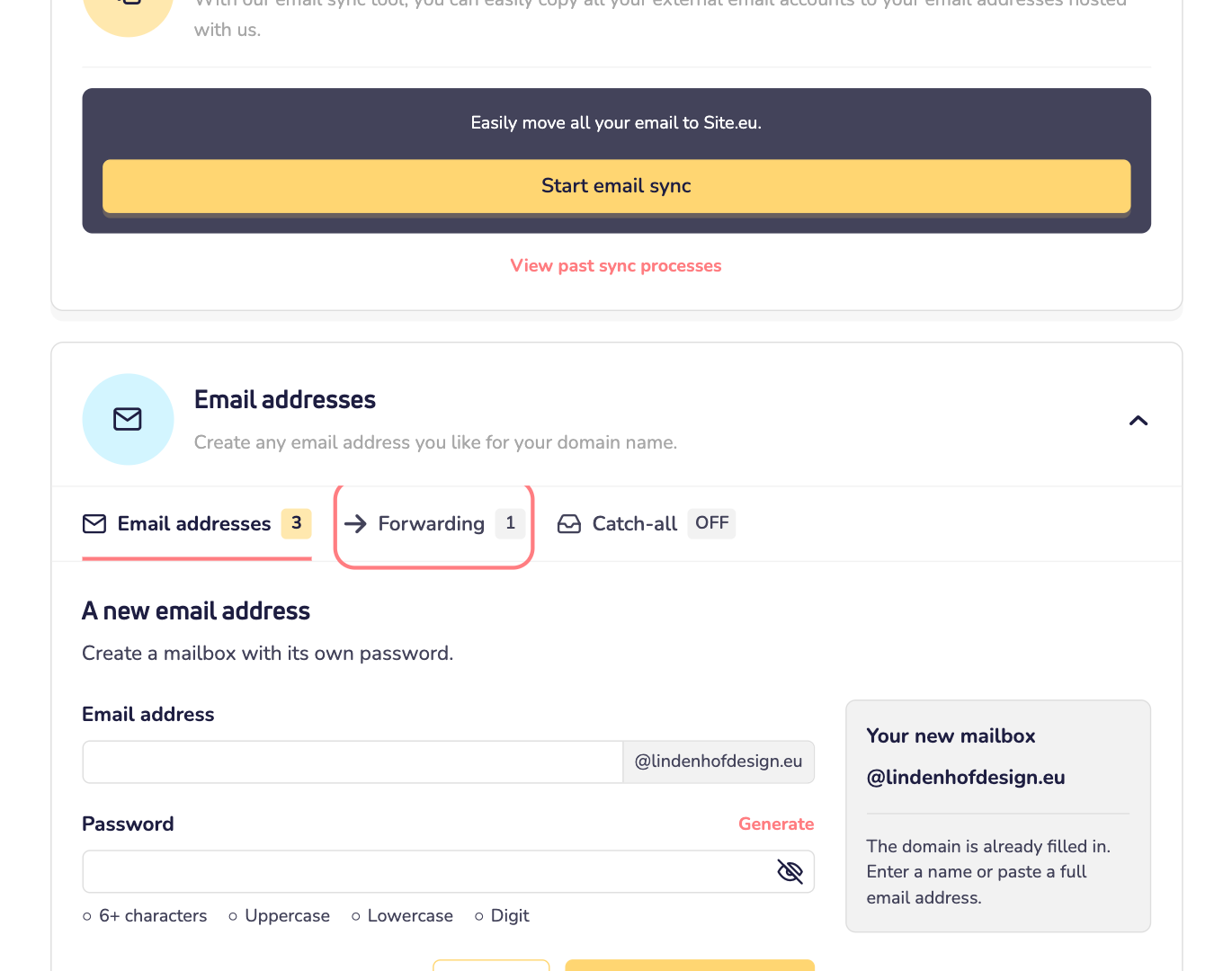
Step 3: Scroll down to Email addresses and click the Forwarding tab.
Step 4: Under Address to forward, type the first part of the new address, such as sales. Your domain name is already filled in.
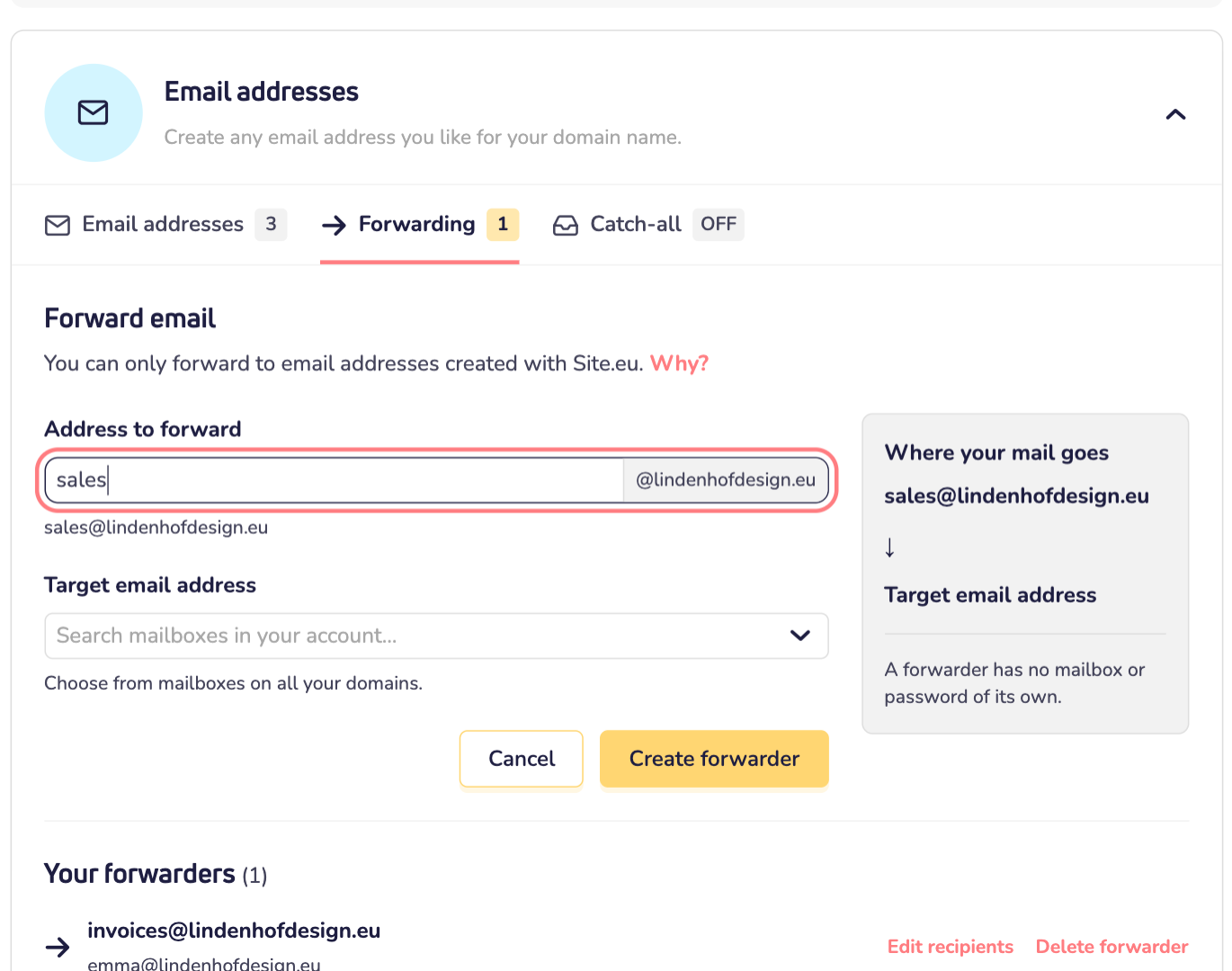
Step 5: Click the field under Target email address. Choose the mailbox where the mail should go. You can type to search. Want the mail in more than one mailbox? Choose more than one.
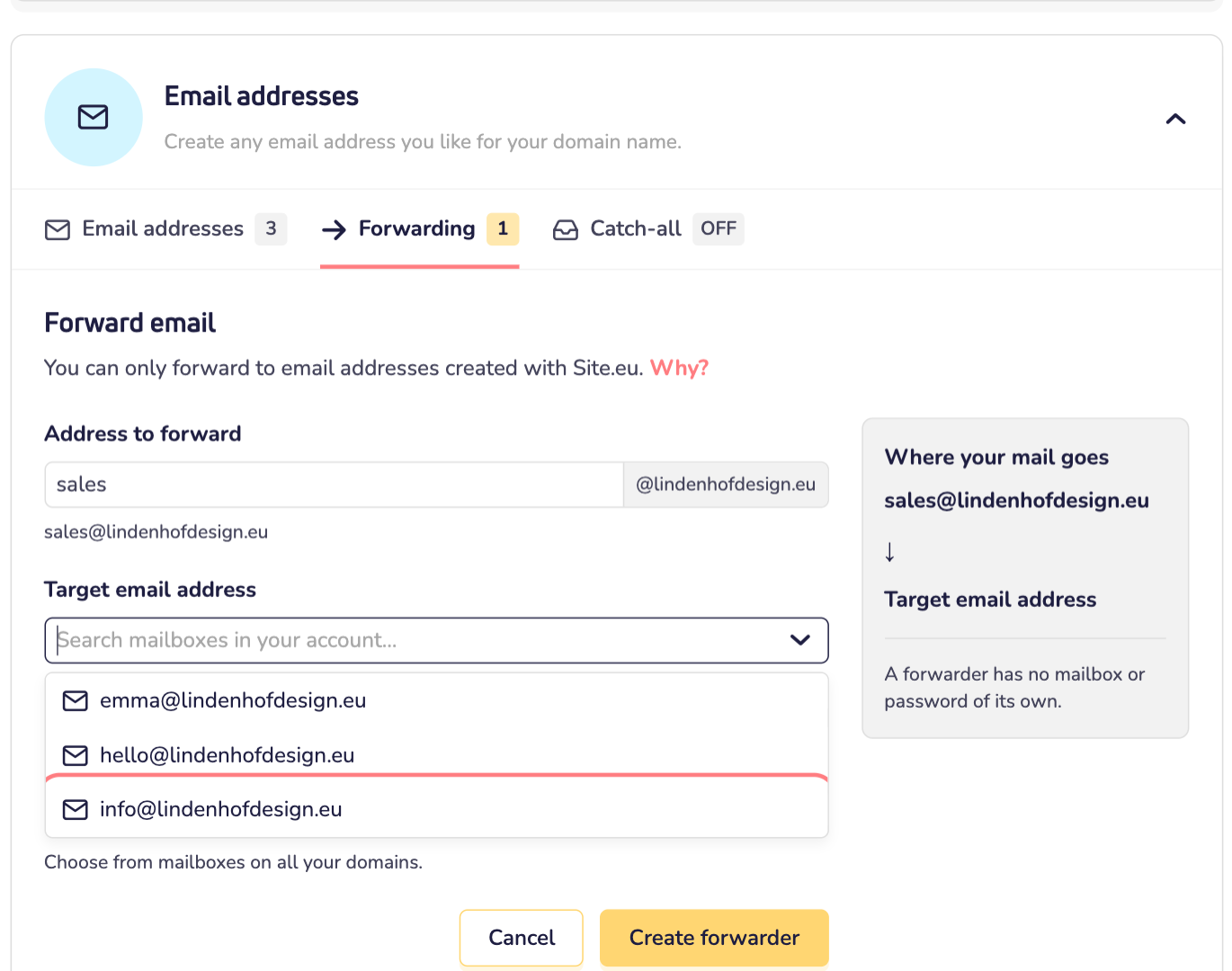
Step 6: Check the summary under Where your mail goes. All good? Click Create forwarder.
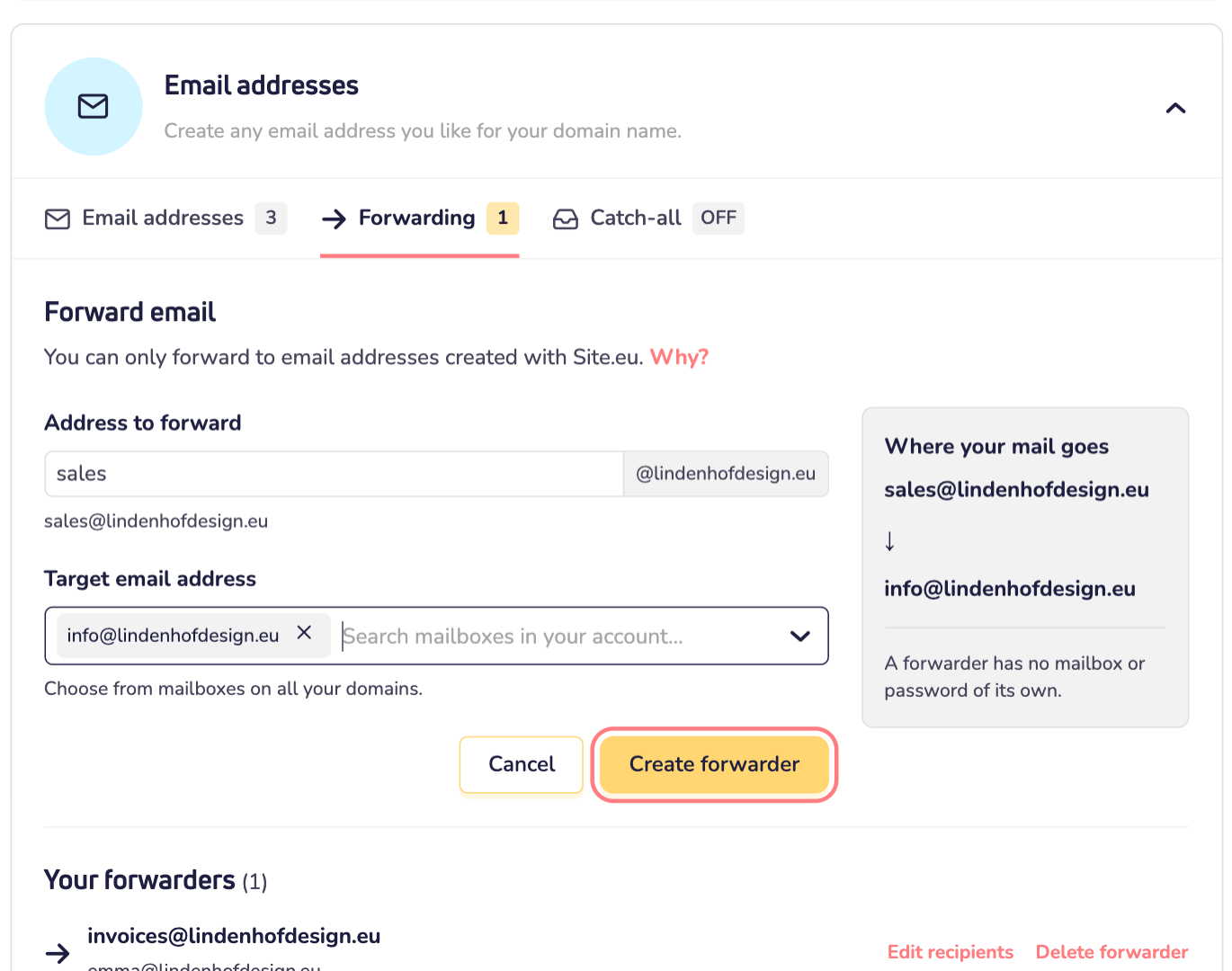
Done. Your forwarder now shows under Your forwarders. Mail sent to it lands in the mailbox you chose.
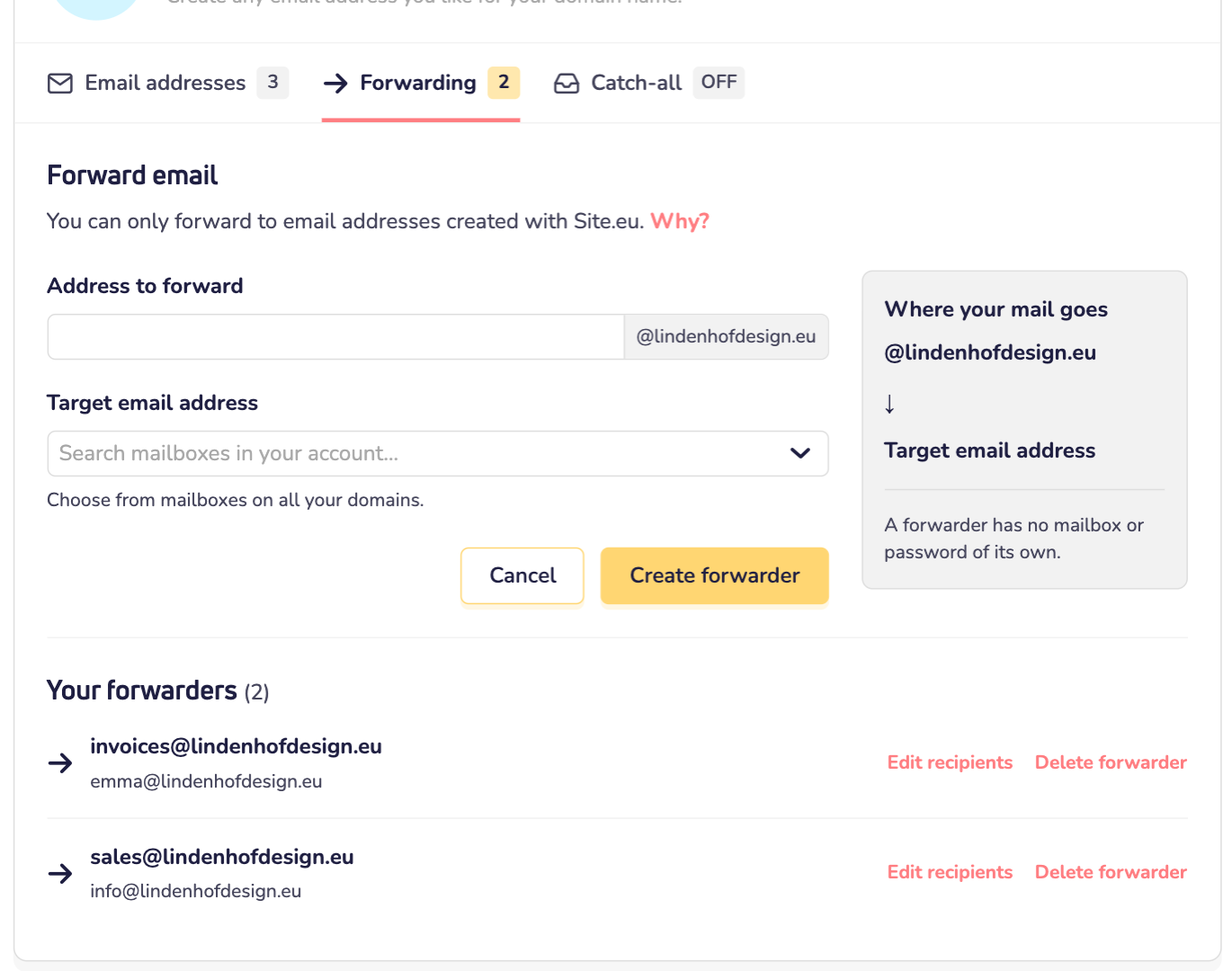
Change or delete a forwarder
Under Your forwarders, click Edit recipients to pick other mailboxes. Or click Delete forwarder to remove it. The mailboxes keep all the email they already got.
Good to know
- A forwarder has no password, so you can't log in with it. Want an inbox for this address after all? Then create a normal email address instead.
- Forwarders count toward the number of email addresses in your plan, just like mailboxes and catch-all addresses.
- Want mail to any unknown address on your domain name? That's a catch-all. Read how to create a catch-all email address.
- Not sure what you need? Read the difference between an email address, a forwarder and a catch-all.