
Want to register a new domain name? Or move a domain you already own to Site.eu? You can do both from the same domain search page.
Think of it like looking for a new address. If the address is free, you can register it. If someone already has it, you can only transfer it when you are the owner.
Search for your domain name
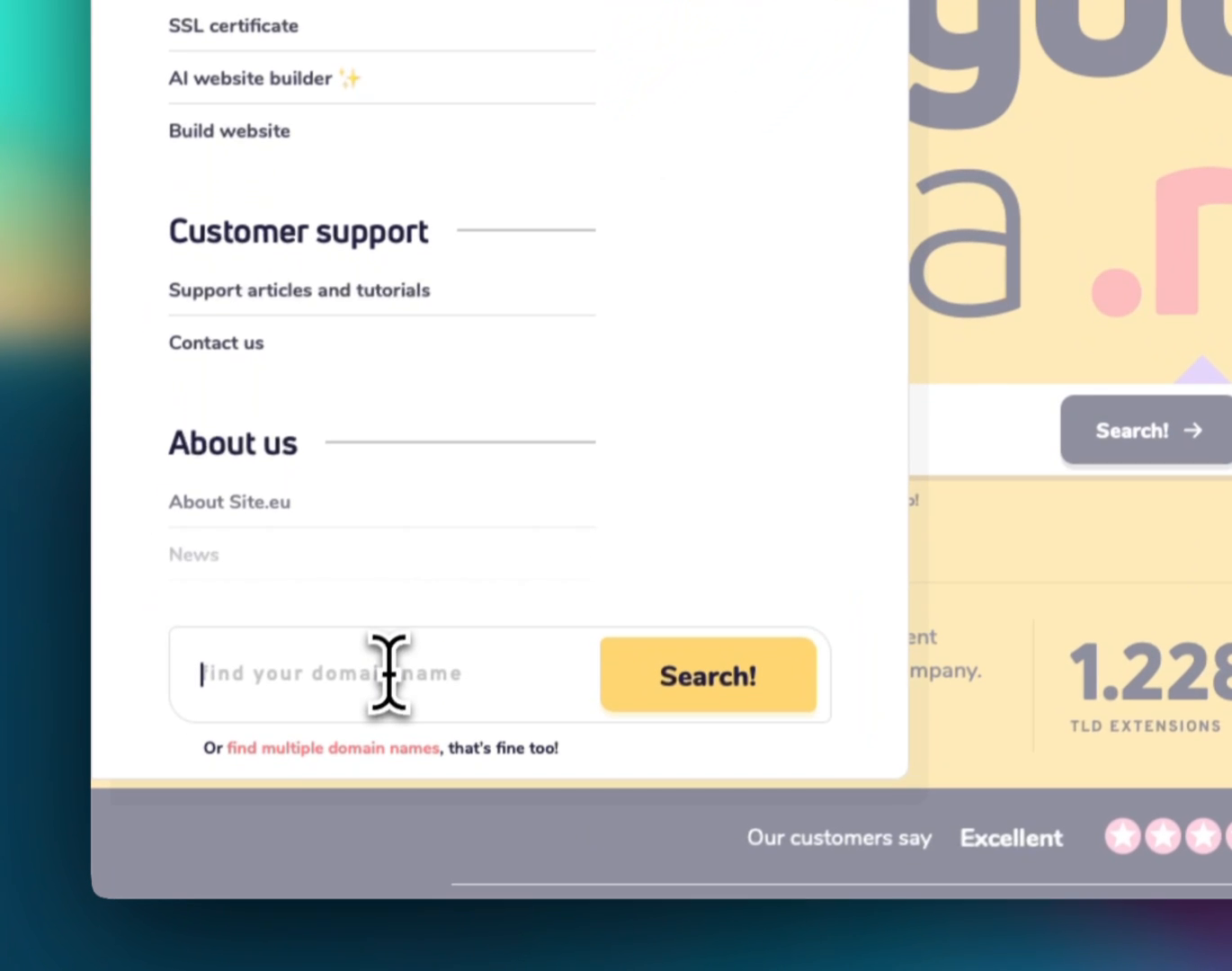
Start on Site.eu and enter the domain name you want to check. You can use only the name, like mycompany, or the full domain name, like mycompany.eu.
Then click Search!.

You can find this search field in several places on the website. For example, you may see the field with Find your domain name in the menu too.
Choose between registration and transfer
After the search, you will see a list of domain names and extensions. Each row shows what you can do with that domain.
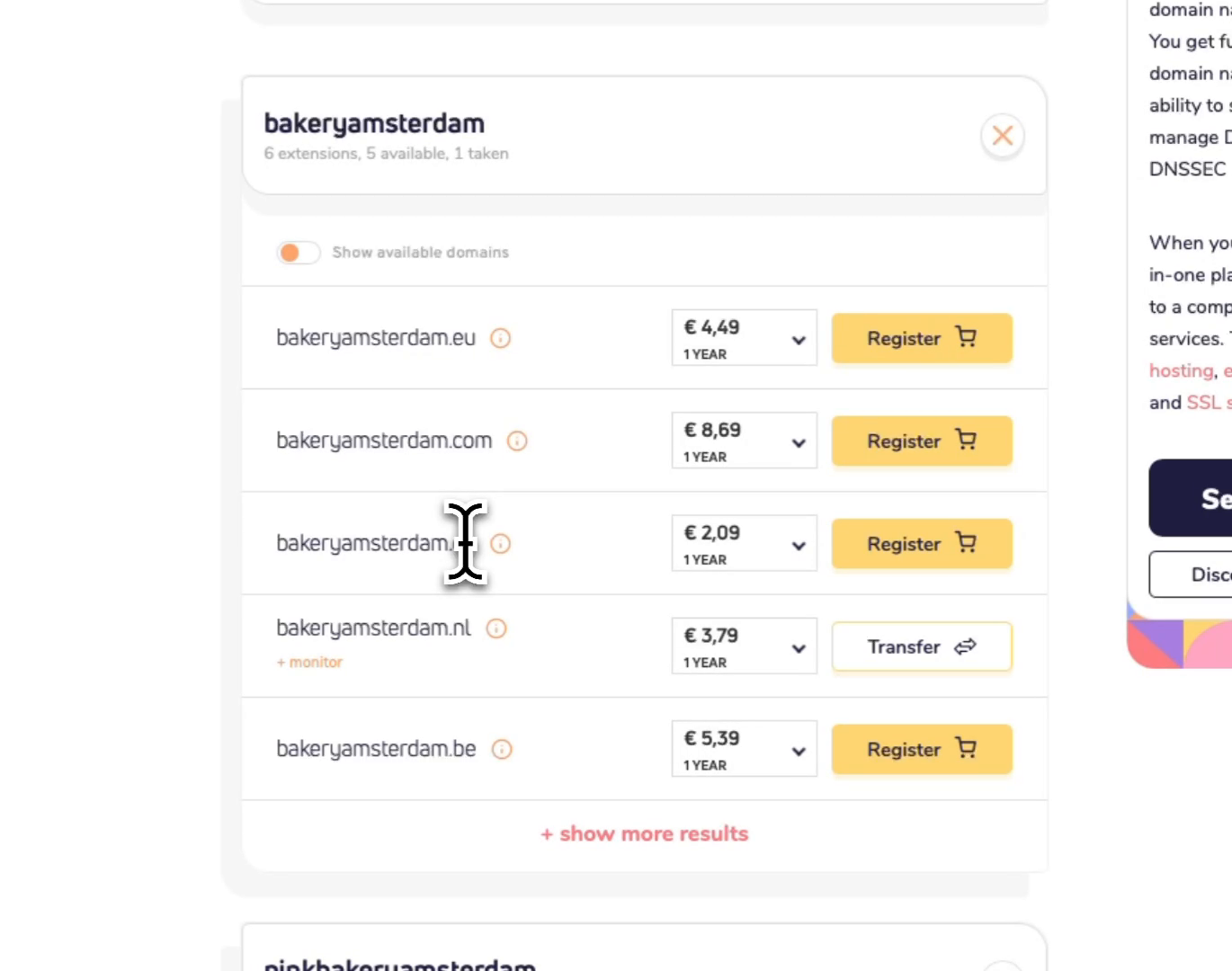
- If you see Register, the domain name is available. You can register it.
- If you see Transfer, the domain name is already registered. You can transfer it to us if you own it.
Want to focus only on domains you can register right away? Use Show available domains.
Check the price details
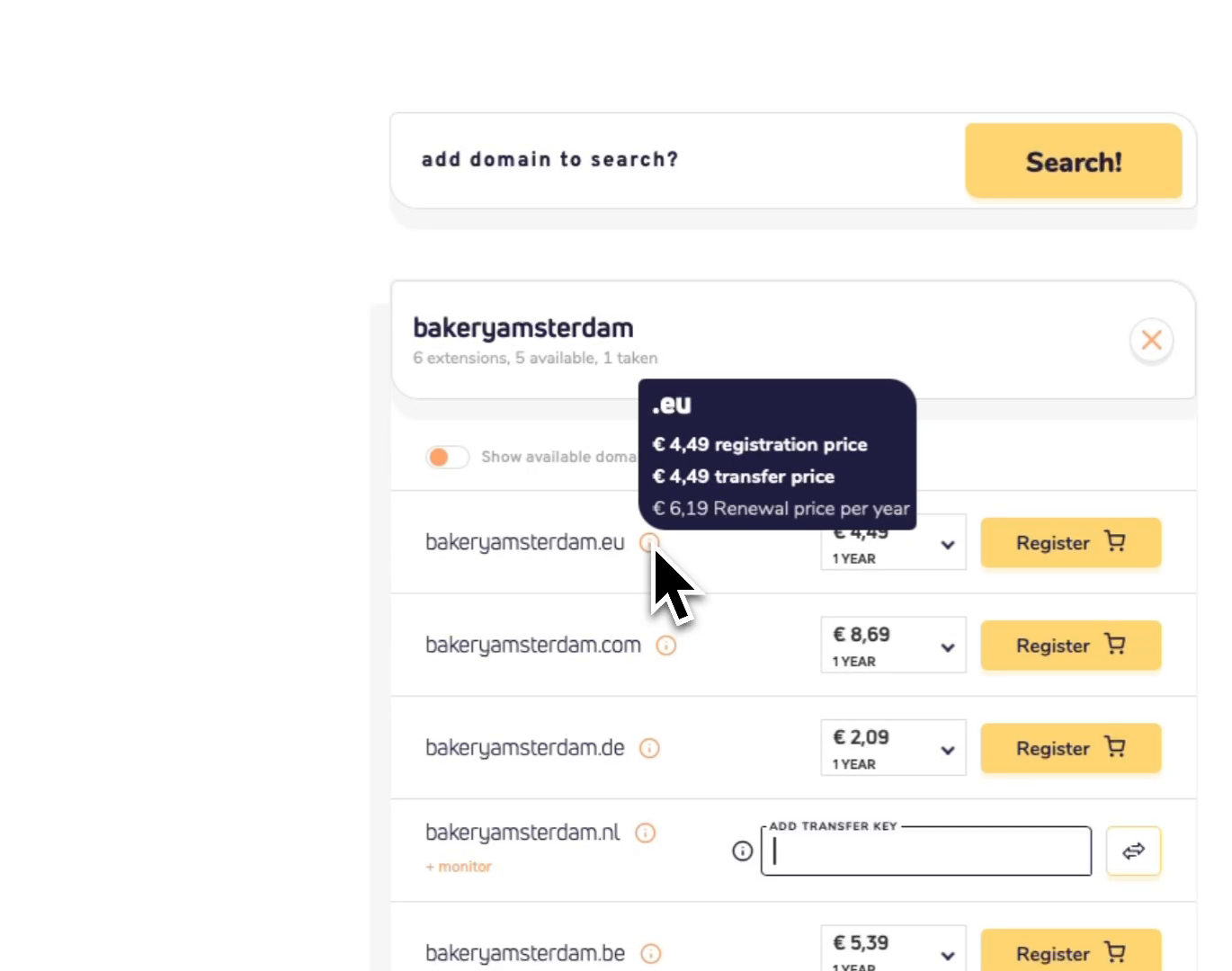
Hover over the small information icon next to a domain name. This shows the registration price, transfer price, and renewal price.
I always check the renewal price too. The first-year price can be different from the price you pay later.
Pick the registration period
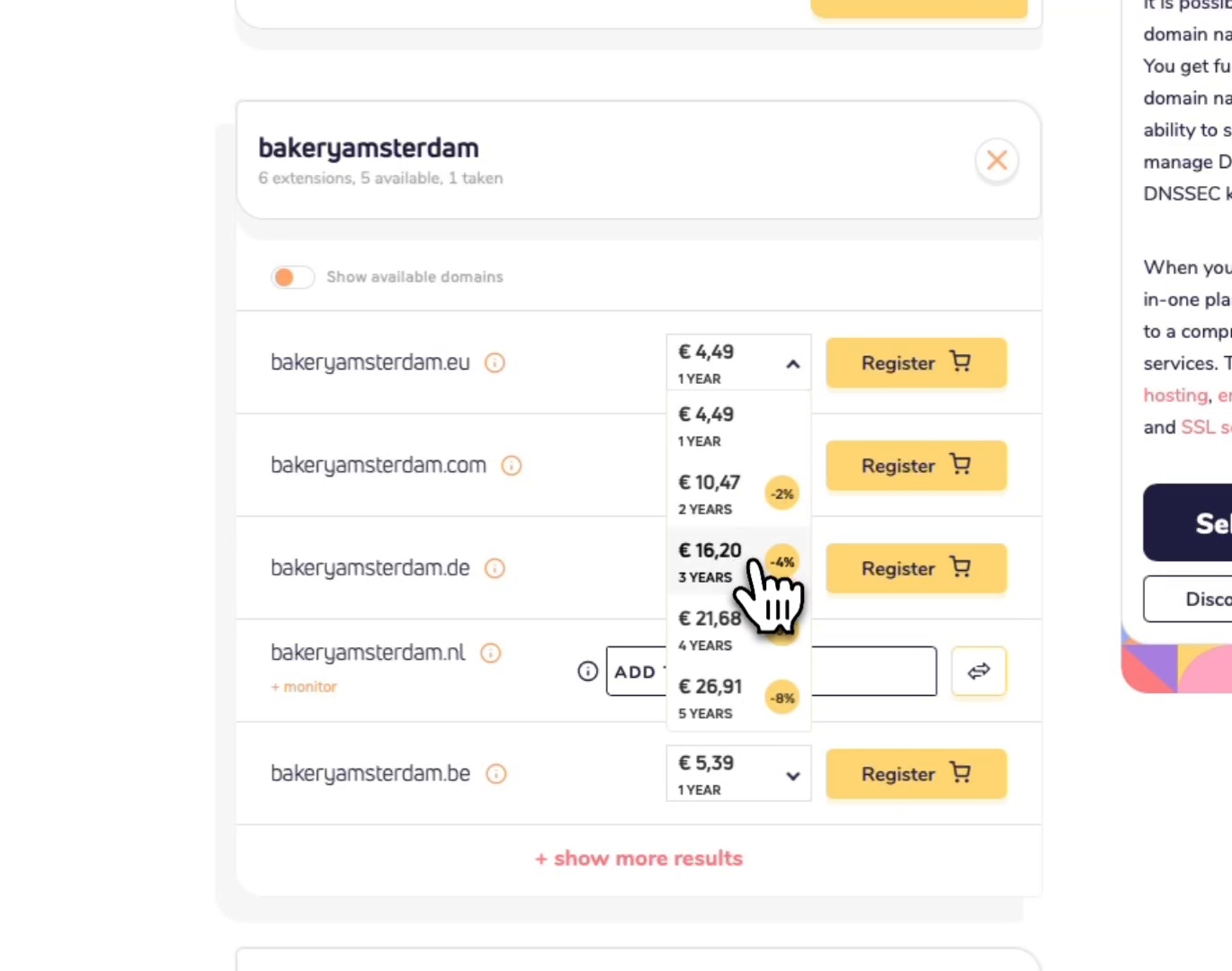
For available domain names, use the period dropdown to choose how long you want to register the domain name for. A longer period can give you a discount.
Simple rule? If you know you want to keep the domain, a longer period can save you money.
Add the domain to your order
For a new registration, click Register. For a transfer, click Transfer.
If you transfer a domain name, you may see the field ADD TRANSFER KEY. Add the transfer key from your current provider if you have it.
No transfer key yet? In many cases, you can add it later. Some extensions work differently, so the search page will show you what is needed.
Choose a plan or domain name only
Next, choose what you want to do with the domain name. You can pair it with hosting, email, and other services. Or you can order only the domain name.
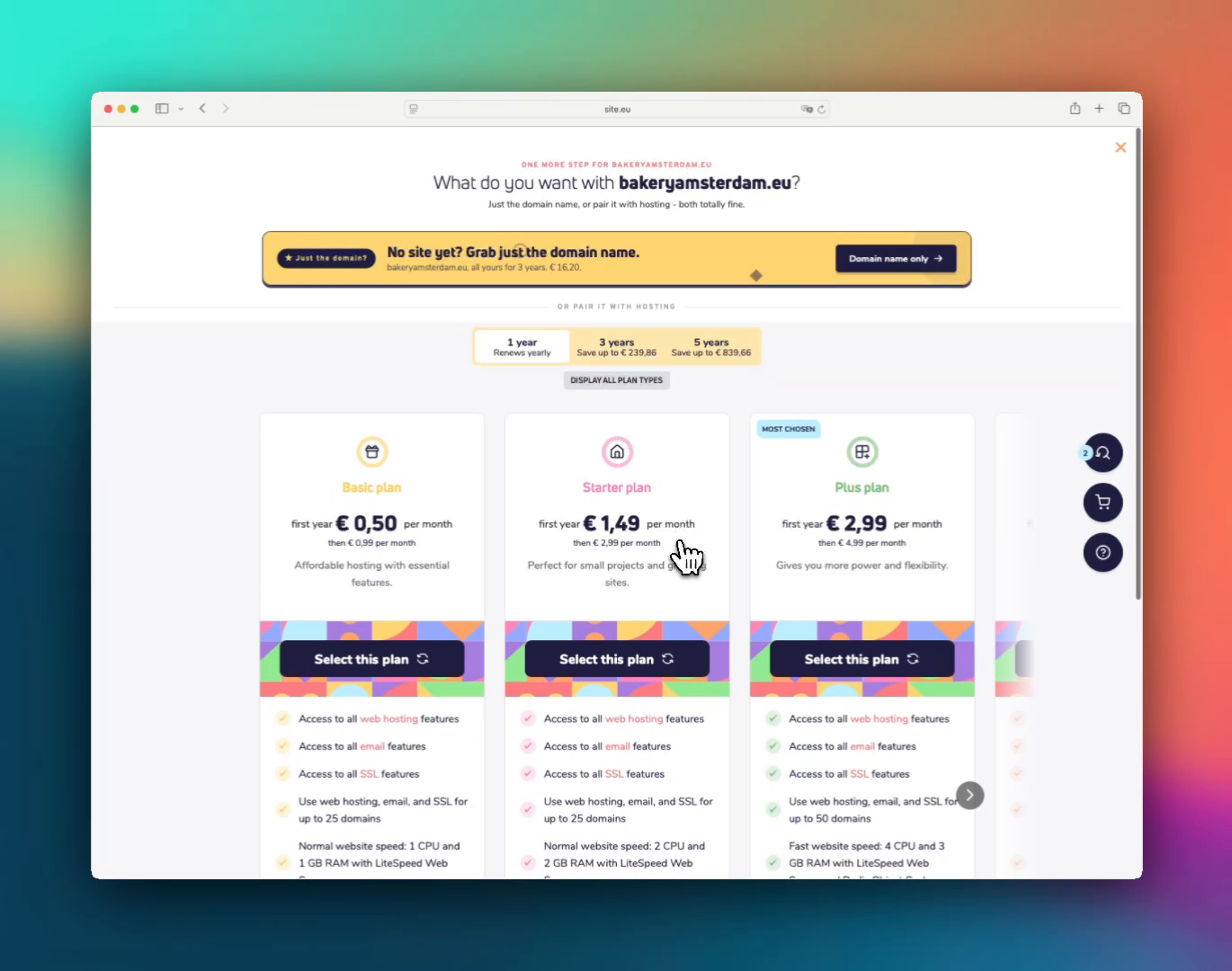
Want a plan? Choose the plan you want and click Select plan.
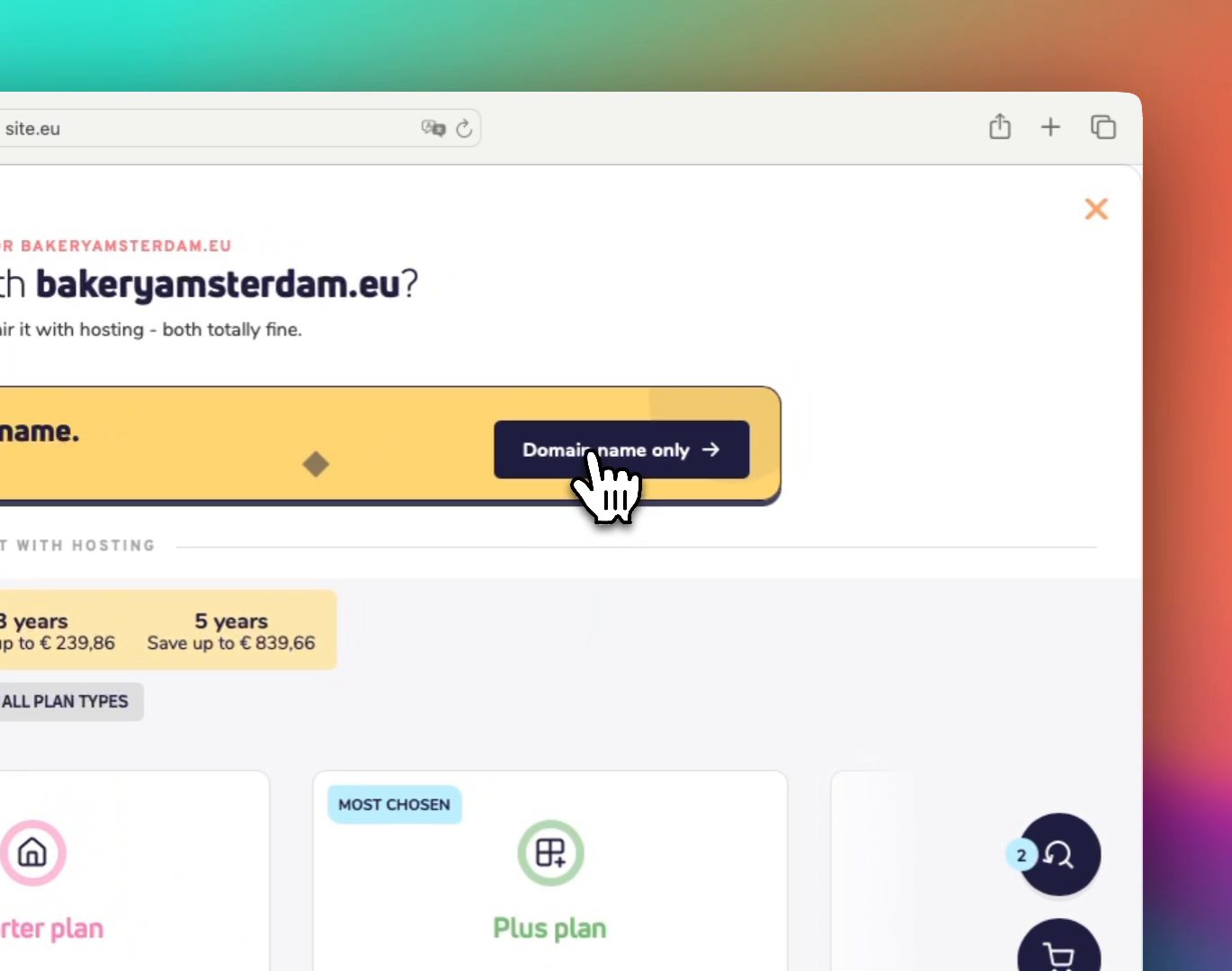
Only need the domain name? Click Domain name only.
Open your cart and check out
When your domain name is in the cart, open the cart icon to continue.
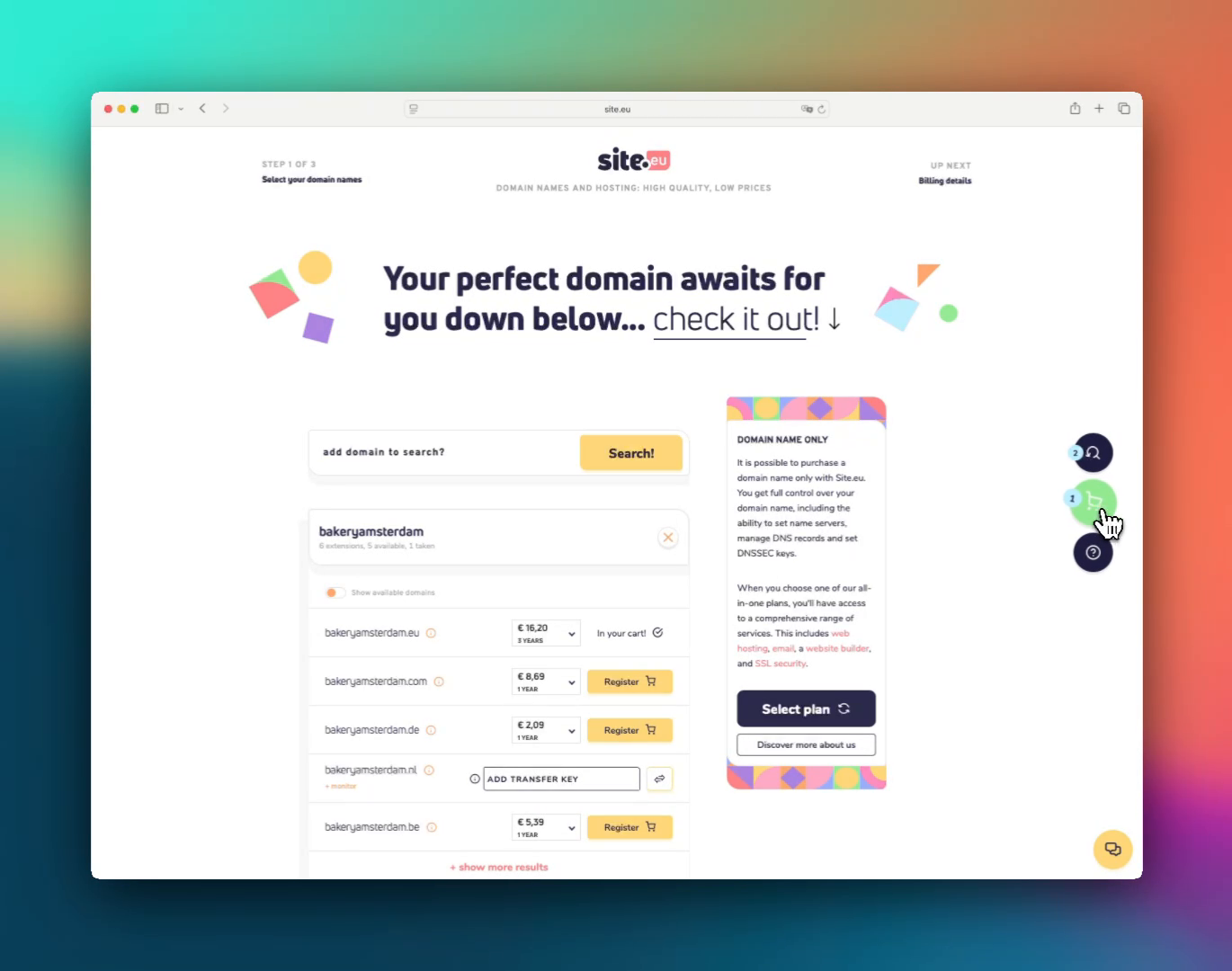
In the checkout, first check Select your domain names. Then continue with Account details, Billing details, and Choose payment method.
That's it. After payment, new registrations are usually processed automatically. Transfers may need a transfer key or email approval from the current provider, so keep an eye on your inbox.
Quick checklist
- Search the name first, then compare different extensions.
- Check the information icon before you order.
- Look at the renewal price, not only the first-year price.
- For transfers, get the transfer key from your current provider if the extension needs one.
- Choose between a plan and Domain name only before checkout.