

That little padlock in your browser. Is your SSL certificate valid? Do all browsers trust it? And when does it expire? The SSL check on our website tells you in seconds.
It's free, you don't need an account, and it works for any website. Also for one that isn't with us. It runs 14 checks and tells you in plain words what's fine and what to fix.
Run the check
Step 1: Open the SSL check. It's also at the bottom of our website, under Tools.
Step 2: Type the address of the website, just like in your browser. For example yourdomain.com or www.yourdomain.com. Then click Check SSL.
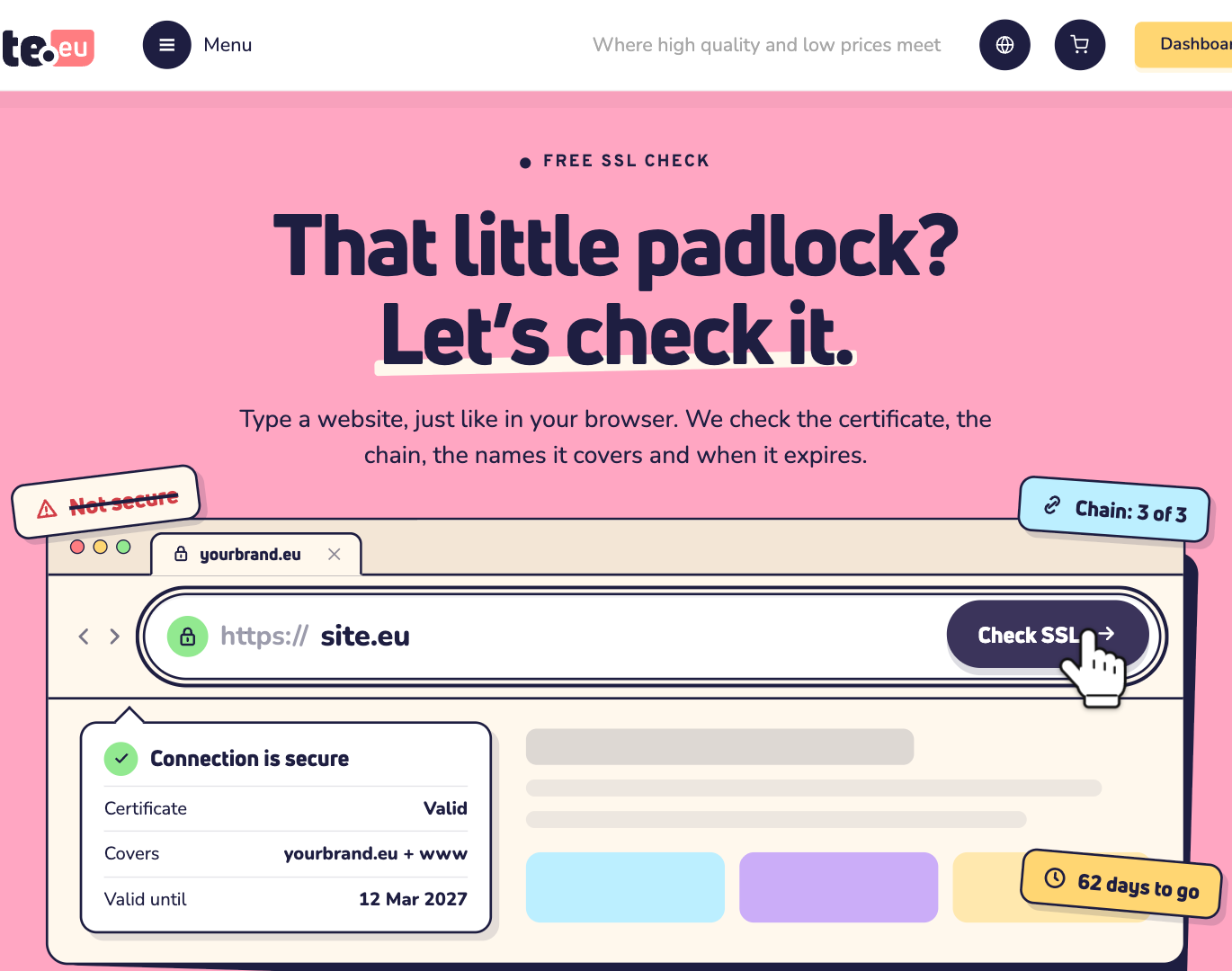
Step 3: Wait a moment. The check connects to the website like a browser does. This takes a few seconds.
Read the report
At the top, one label sums it up: All good, Needs attention or Problems. Next to it, you see how many days the certificate has left, and how many checks passed or gave a warning, an error or info.
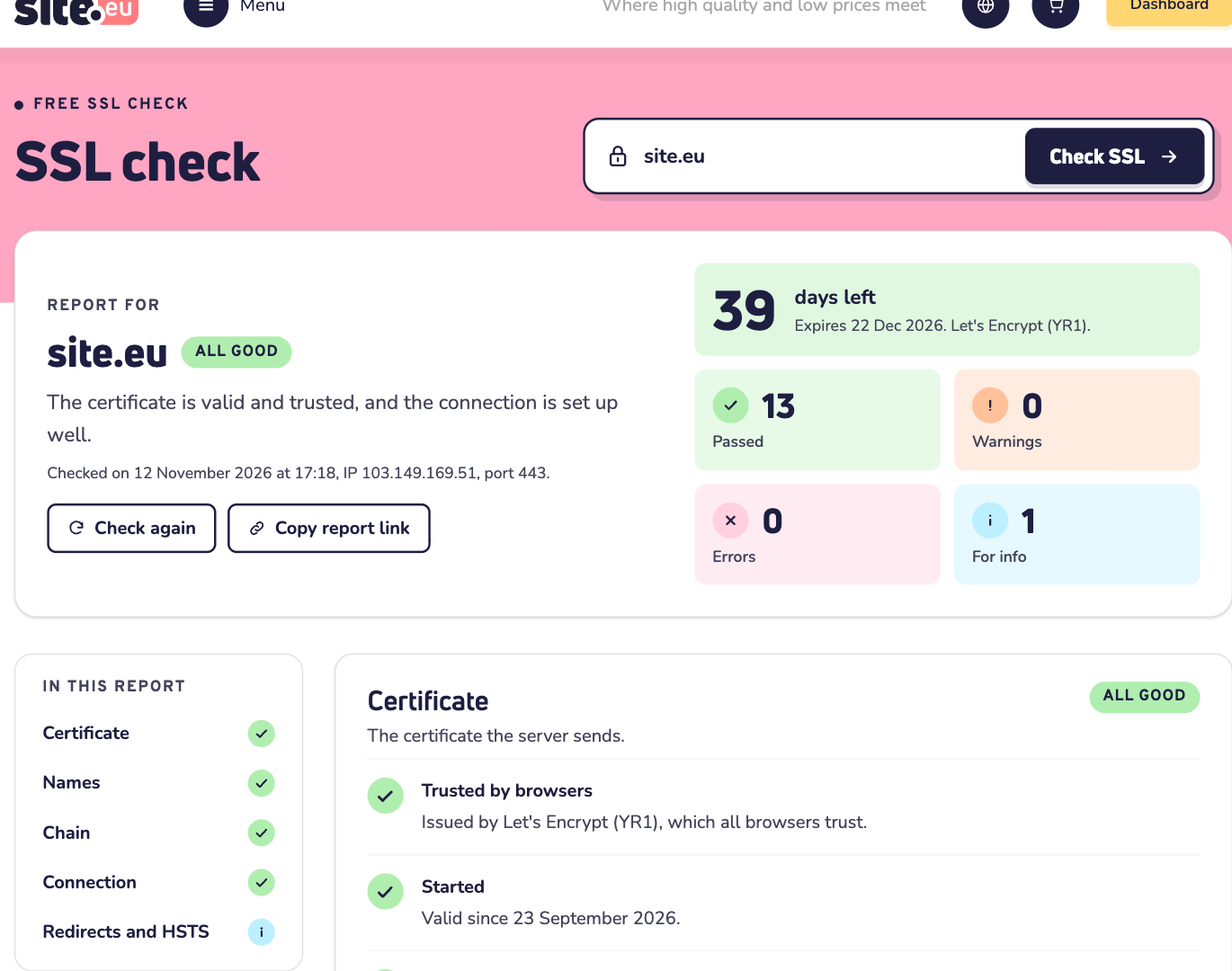
Want to show the report to someone, like your web developer or us? Click Copy report link and send them the link. Fixed something? Click Check again.
The 14 checks come in 5 parts:
- Certificate: is it trusted by browsers, already valid, not expired, and strong enough?
- Names: does it cover the address you checked, and also www or the address without www?
- Chain: does the server send the certificates in between, so phones and apps trust it too?
- Connection: are modern TLS versions on, and the old, unsafe ones off?
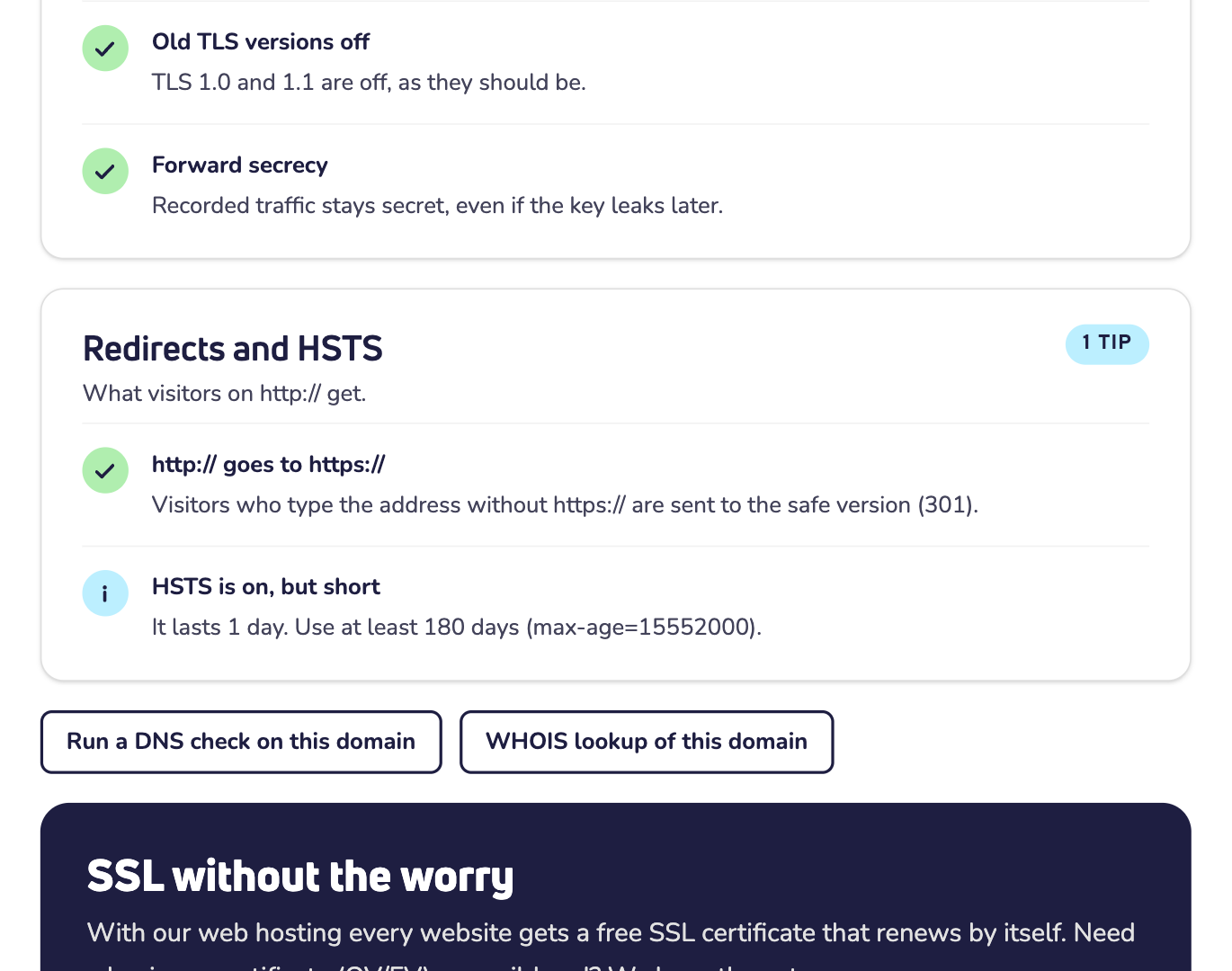
- Redirects and HSTS: do visitors on http:// go to https://? And is HSTS on?
Common problems and what to do
Expires soon or expired? Certificates like Let's Encrypt usually renew by themselves 30 days before they expire. Didn't that happen? Then check your hosting. With our web hosting, every website gets a free SSL certificate that renews by itself. Did a renewal fail? Read why an SSL certificate renewal fails.
Doesn't cover www or the address without www? Then visitors on that address get a warning. Add that name to the certificate. On our web hosting, read how to activate SSL in DirectAdmin.
Incomplete chain? Most computers still trust it, but many phones and apps don't. Add the certificate in between (the intermediate certificate) on your server.
http:// stays on http://? Then visitors who type your address without https:// get the unsafe version. Send them to https:// with a permanent (301) redirect.
HSTS is off, or short? With HSTS, browsers always use https:// for your website. Turn it on once everything works on https://, for at least 180 days.
Good to know
- A message instead of a report? Check the spelling. The address must have a website that answers on https://.
- Many checks in a short time? Then wait a few minutes before you try again.
Need help?
Contact us by WhatsApp, Telegram or email. Send the report link along, so we see what you see.