

Is a domain name still free? Who is it registered with? And when does it expire? The WHOIS lookup on our website tells you in seconds.
It's free, you don't need an account, and it works for almost any extension. Also for domain names that aren't with us. The facts come straight from the registry of the extension, not from an old copy.
Look up a domain name
Step 1: Open the WHOIS lookup. It's also at the bottom of our website, under Tools.
Step 2: Type the domain name, for example yourdomain.com, and click Look up.
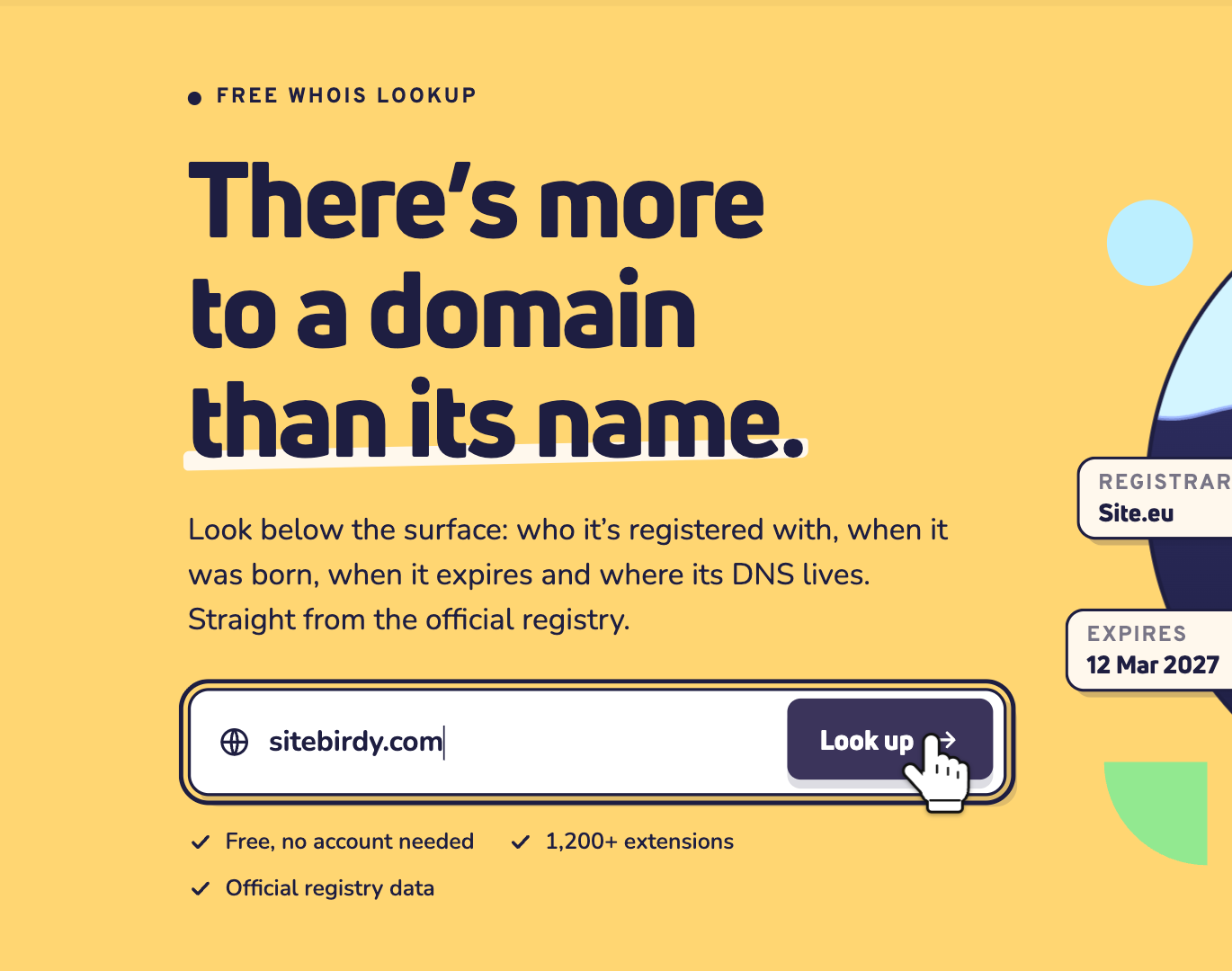
Step 3: Wait a moment. We ask the registry for you. This takes a few seconds.
Read the report
At the top, one label sums it up. For example Registered, Available, Expires soon or Expired. Next to it, you see the most important facts: when it expires, when it was registered, the registrar and the nameservers.
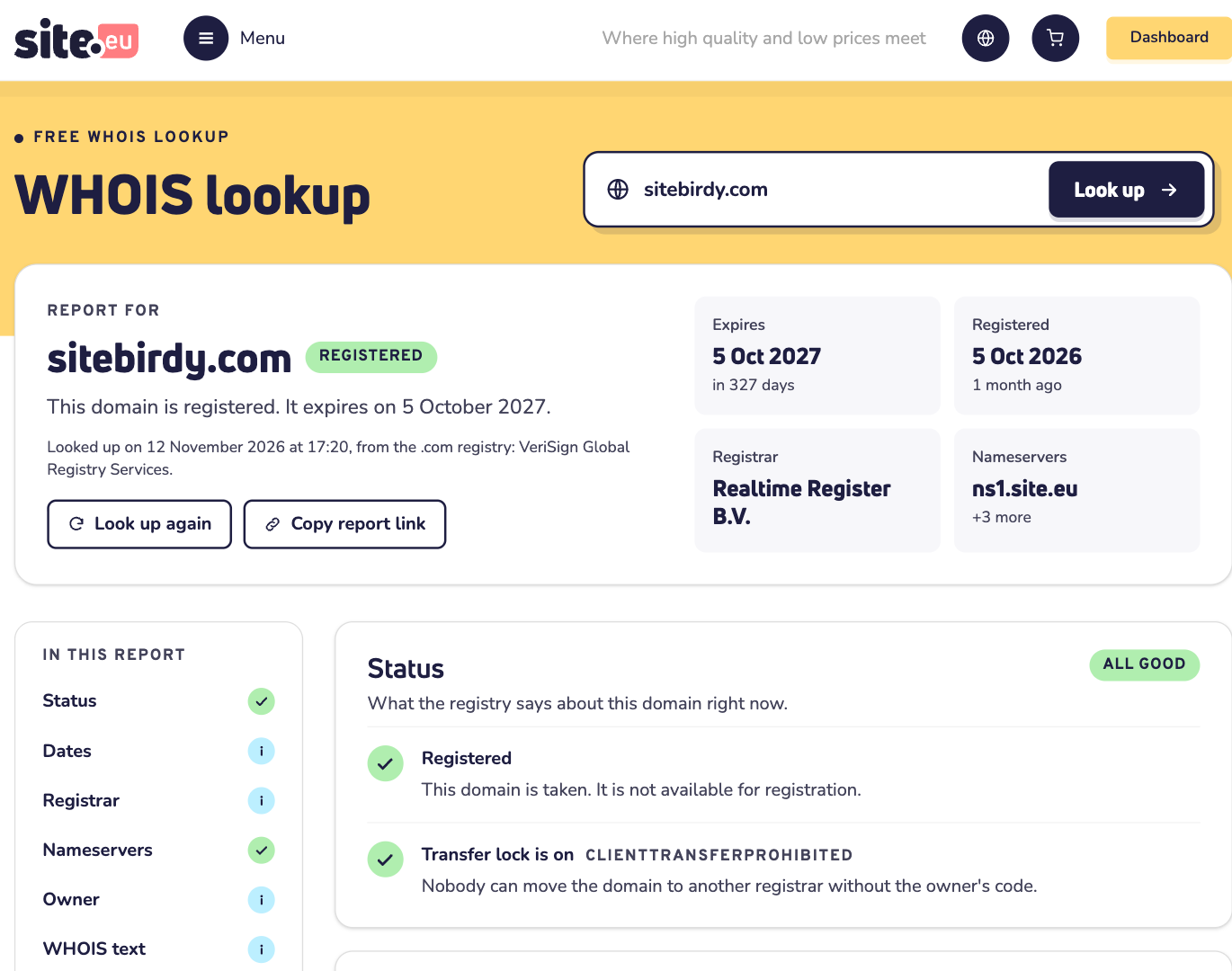
Want to show the report to someone? Click Copy report link and send them the link.
Below the summary, the report has these parts:
- Status: is the domain name taken or free? Is it locked against transfers, on hold, or about to be deleted?
- Dates: when it was registered, last changed, and when it expires. Some registries don't publish these dates, like the one for .eu.
- Registrar: the company the domain name is registered with, and how to reach them.
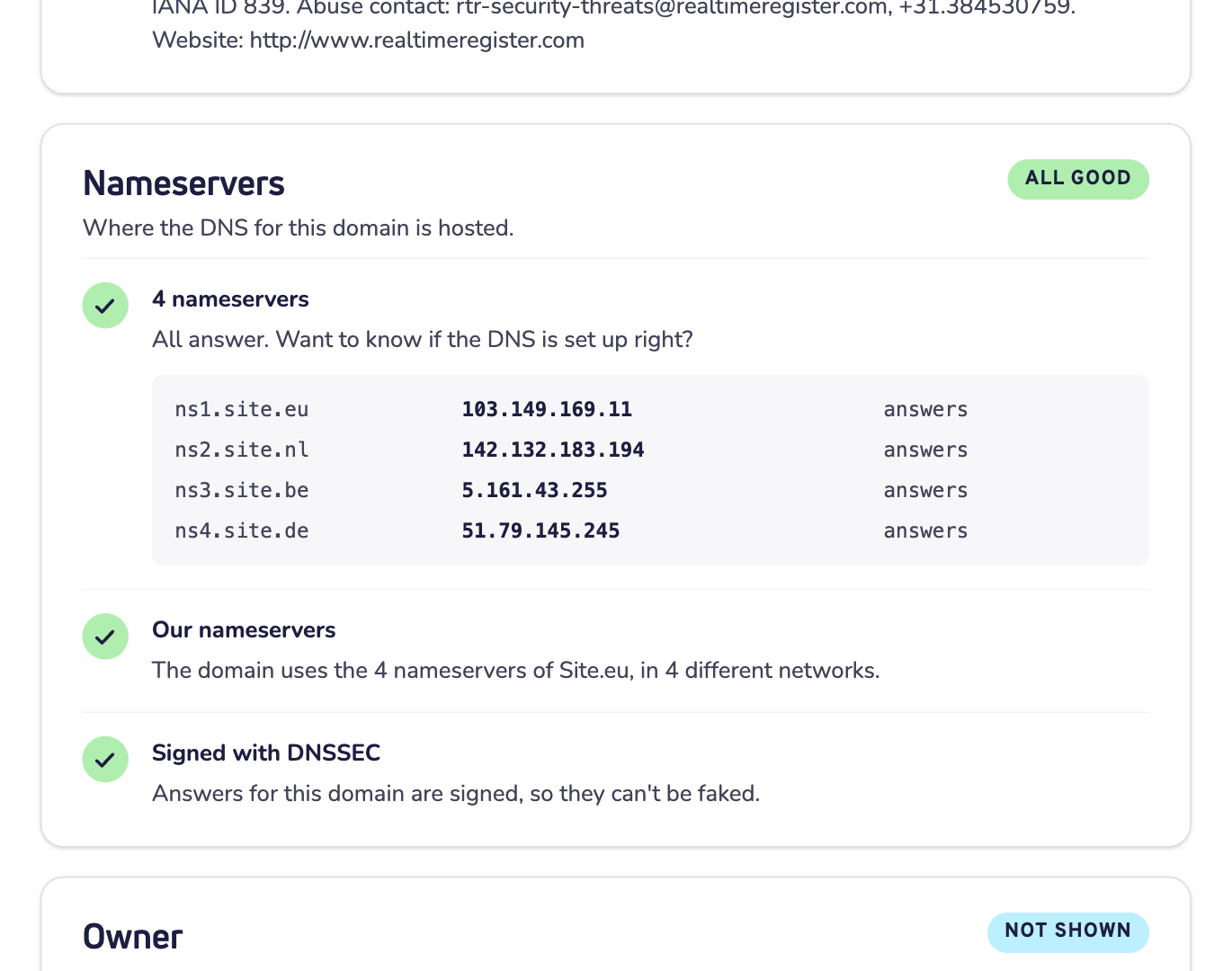
- Nameservers: where the DNS of the domain name is hosted, and whether those servers answer.
- Owner: most registries hide the owner for privacy (GDPR). You can then contact the owner through the registrar.
- WHOIS text: the full answer of the registry, word for word. Copy text copies it.
What next?
- Is it free? Then click Register it now. You see the price and can add it to your cart.
- Is it already with us? Then log in to your dashboard to renew it or change its DNS.
- Is it yours, but somewhere else? Then you can move it to us. You need the transfer key from your current provider. Read the best way to transfer a domain name without downtime.
- Do the nameservers not answer? Then the website and email may not work. Run a DNS check to see what goes wrong.
Is it your own domain name, and do you want to hide your details? Read how to turn on privacy protection.
Good to know
- Many lookups in a short time? Then wait a few minutes before you try again.
- No answer from the registry? Some registries only answer networks they know. Try again later.
- A few extensions have no public lookup service at all. Then the lookup says so.
Need help?
Contact us by WhatsApp, Telegram or email. Send the report link along, so we see what you see.