

Done with your Site.eu account? Then you can delete it yourself, in your dashboard. It takes a minute. But your account must be empty first. And once it's gone, it's gone. You can't undo it.
Before you start
You can only delete your account when:
- You have no active products. So no domain names, no plans and no external domain names. Domain names that are still being registered or transferred count too.
- Your wallet balance isn't negative.
- You didn't make any payments to us in the last 60 days.
Empty your account first
- Your domain names: move them to another account, transfer them to another provider, or cancel them right away.
- Your plans: move them to another account or cancel them right away.
- Your external domain names: open the domain name, click Manage and choose Delete external domain name. Its email and website data are deleted too.
Did you only stop renewing a product? Then it stays active until its expiry date. You can delete your account once it has expired.
Then save what you still need:
- Your invoices. After you delete your account, you can't log in anymore. So download your invoices first.
- Money in your wallet. It's lost when you delete your account. Withdraw what you can first. Read how to withdraw money from your wallet.
- Your API keys. Do you use our API? Then also delete your keys under Settings, on the API keys tab.
Delete your account
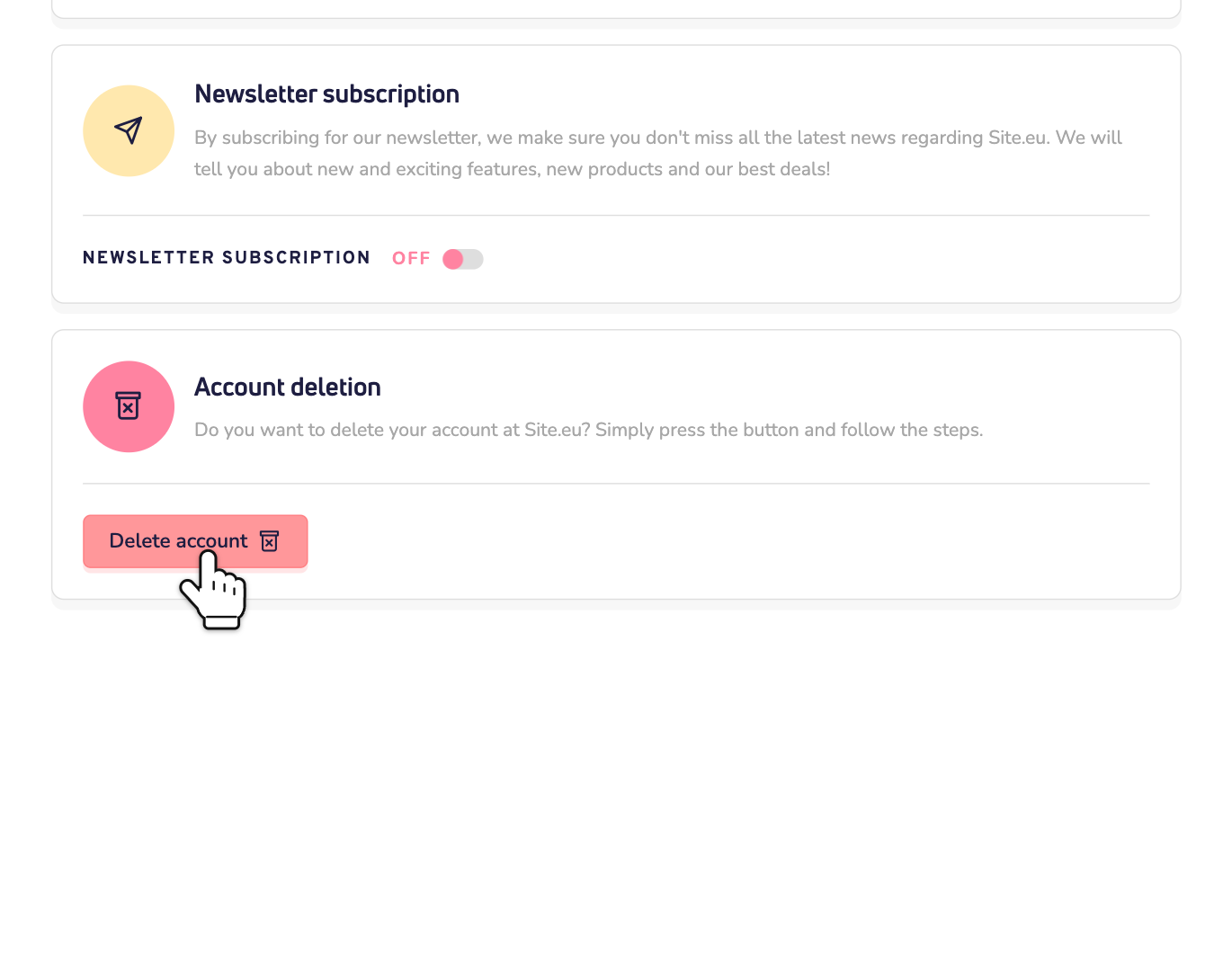
Step 1: Log in to your dashboard and go to Settings, on the Your account tab. Scroll down to Account deletion and click Delete account.
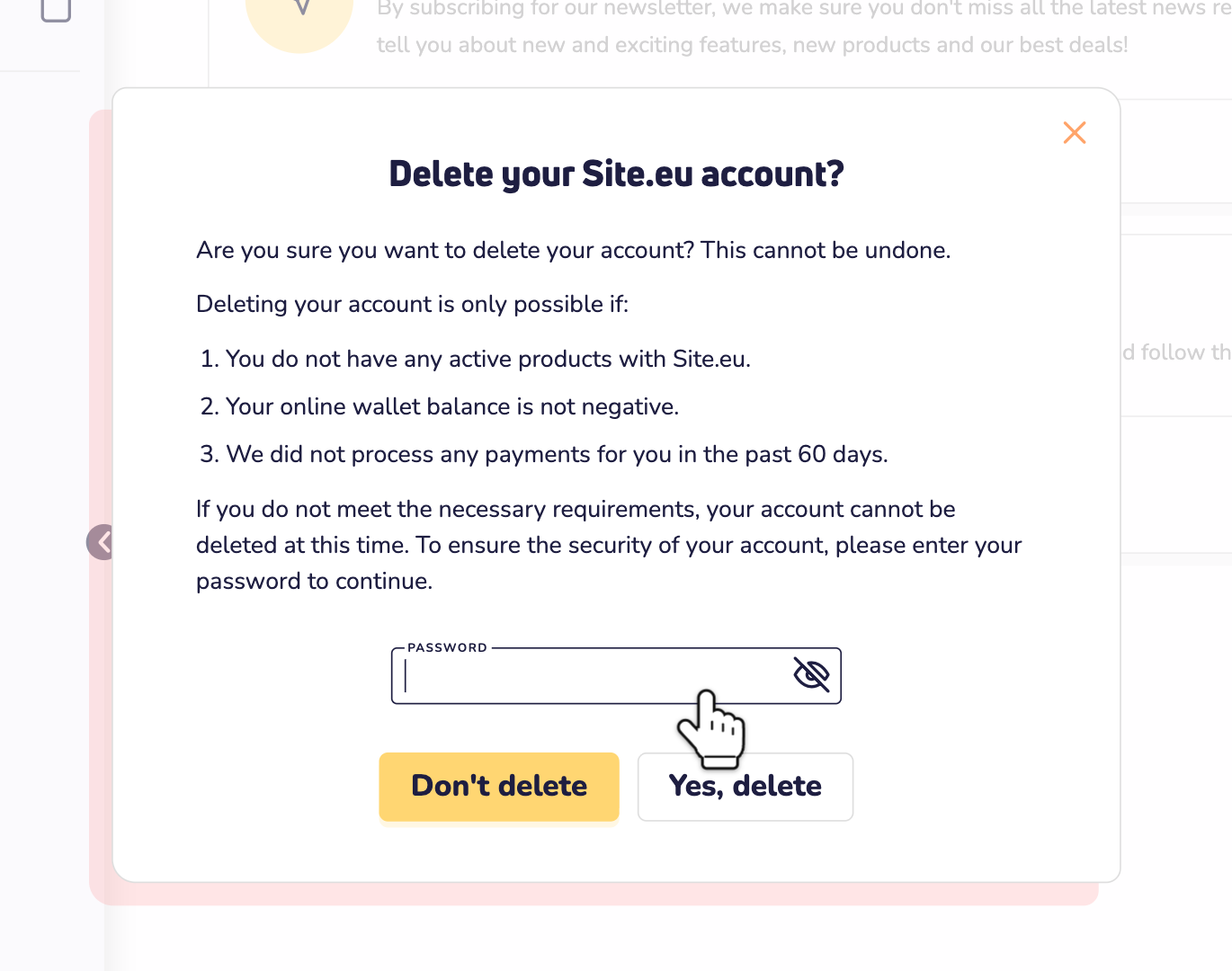
Step 2: Enter the password of your account and click Yes, delete. Changed your mind? Click Don't delete.
Your account is deleted right away, and you're logged out.
Forgot your password? Then log out and click forgot password? on the login page. Set a new password, and try again.
Can't delete your account?
Do you see this message? Then something from the list above is still in your account. The message doesn't say what. So check your domain names, plans and external domain names, your wallet and your last payment.
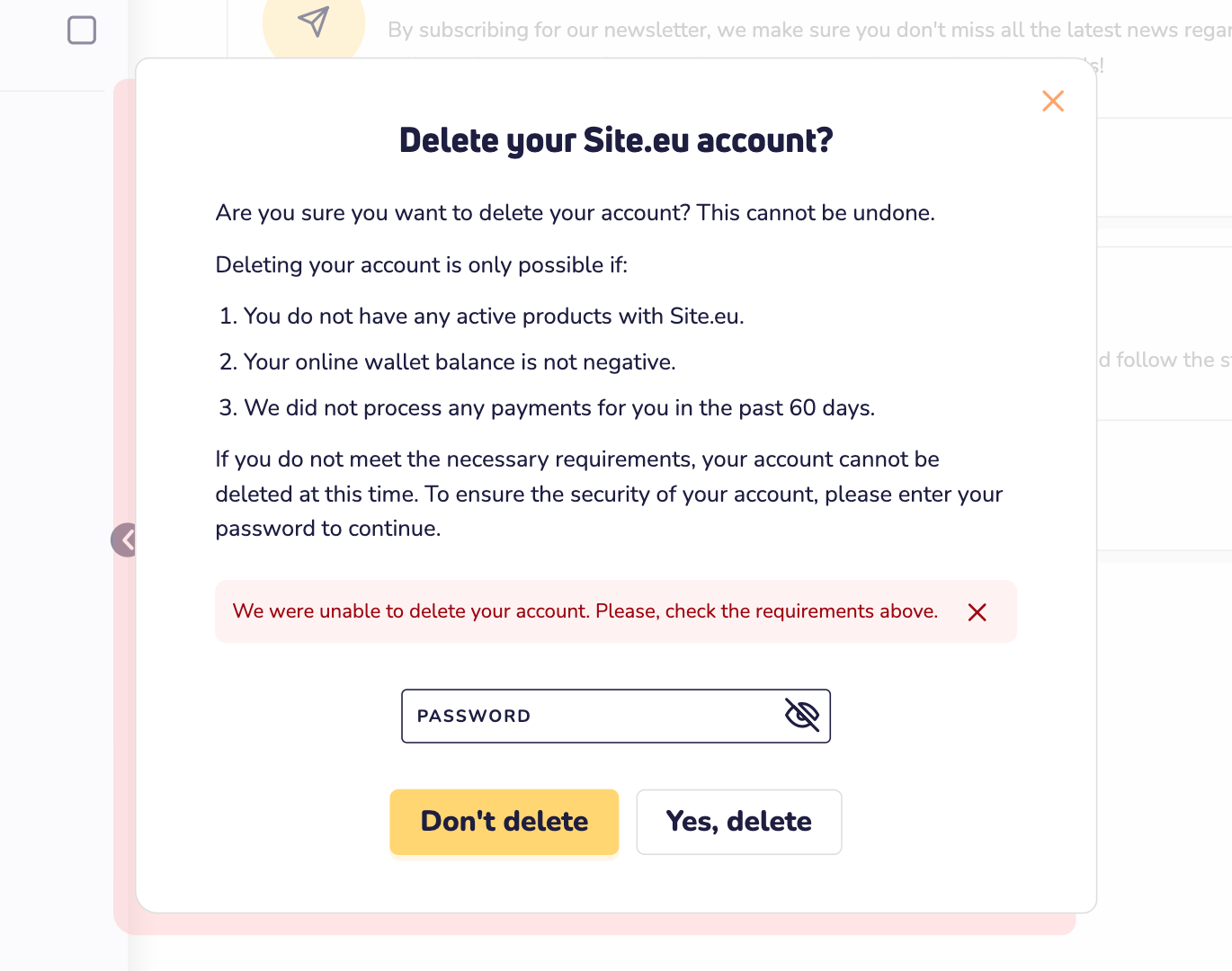
Paid us not long ago? Then wait until that payment is 60 days old. Still stuck? Contact us, and we'll look at it with you.
What happens when you delete your account?
- You can't log in anymore. We remove your email address and password from your account.
- Your personal details are wiped. We replace the name, company name, email address, phone number and VAT number of every contact in your account with made-up details. Your DNS templates are deleted.
- We keep the records of your orders and payments, such as your invoices.
- Money in your wallet is lost.
- You can't undo it. Want to come back later? Then create a new account. You can use the same email address.