

Webmail lets you read and send email in your web browser. There's nothing to install, and it works on any computer, tablet or phone with an internet connection.
Two ways to use webmail
With every plan, you can choose:
- SiteBirdy: our modern email client, free with every plan. Read more about SiteBirdy.
- Roundcube: the classic webmail, if you're used to it.
Log in to webmail
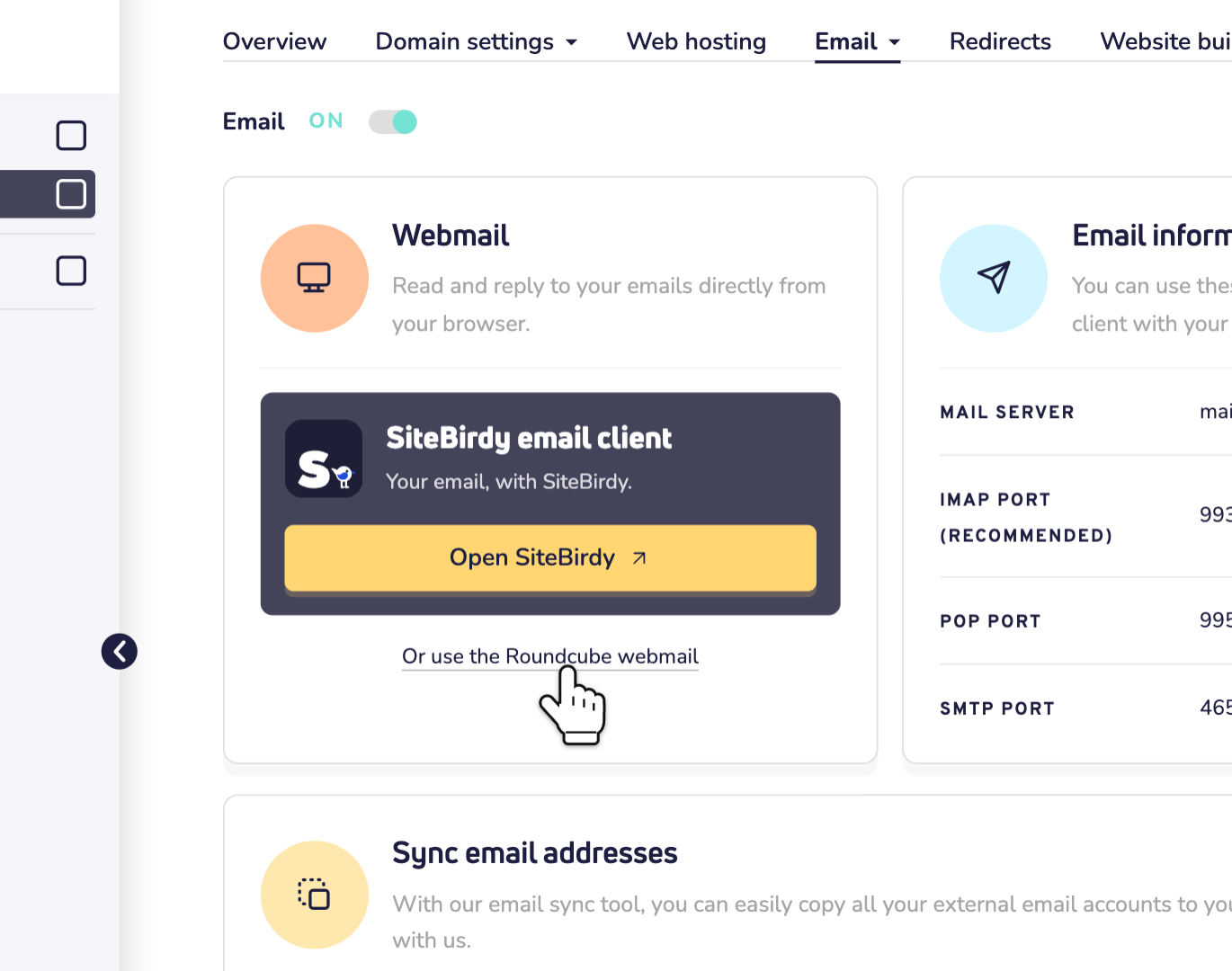
Step 1: Log in to your dashboard and open your domain name. Click Email. Under Webmail, you'll find both options.
Step 2: For SiteBirdy, click Open SiteBirdy. SiteBirdy has its own account: sign in, or create one first. Then add your email address to it. Here's how to add your email address to SiteBirdy.
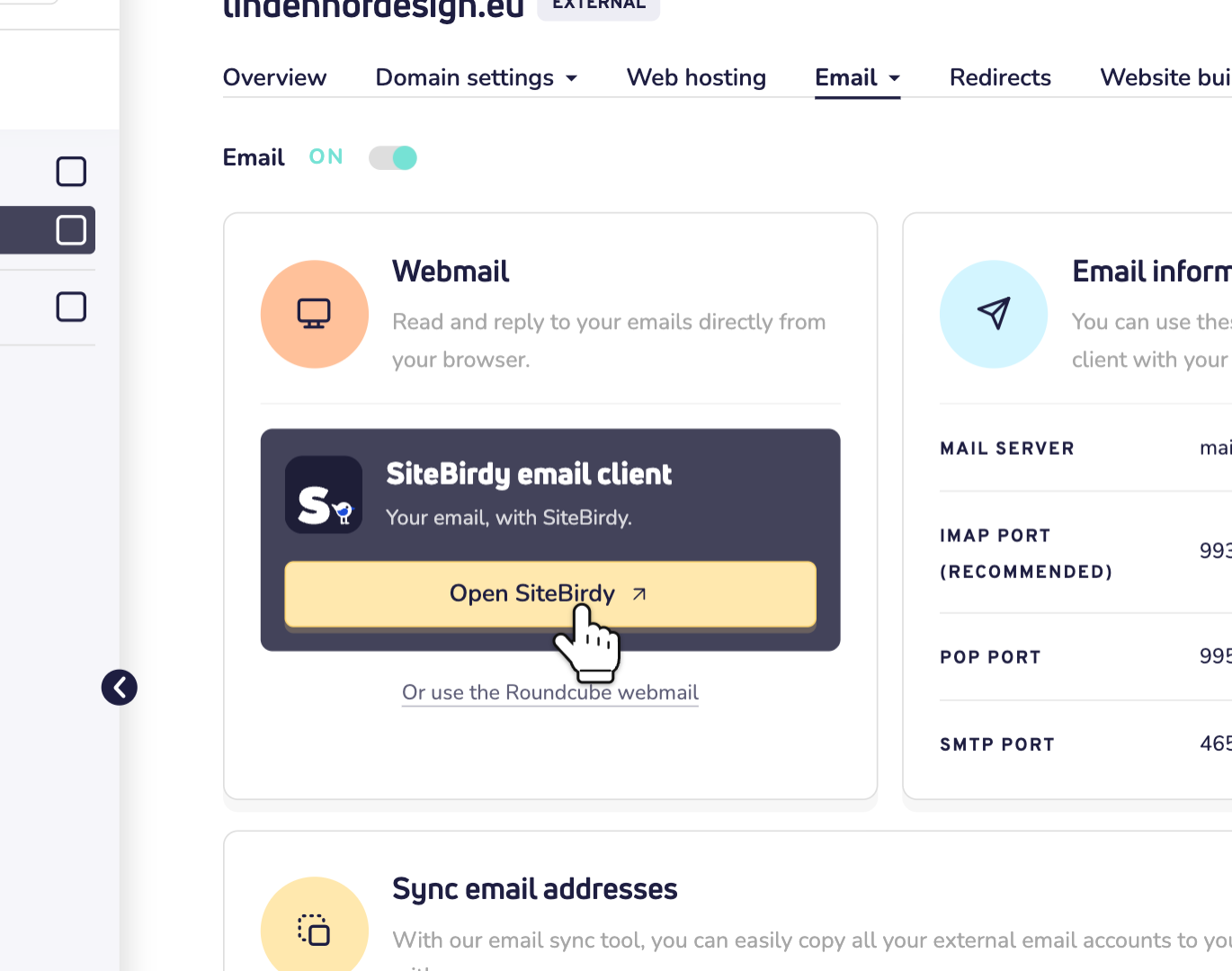
Step 3: Prefer Roundcube? Click Or use the Roundcube webmail, or go straight to mail.site.eu. Log in with your full email address as the username, for example info@yourname.eu, and the password of that email address.
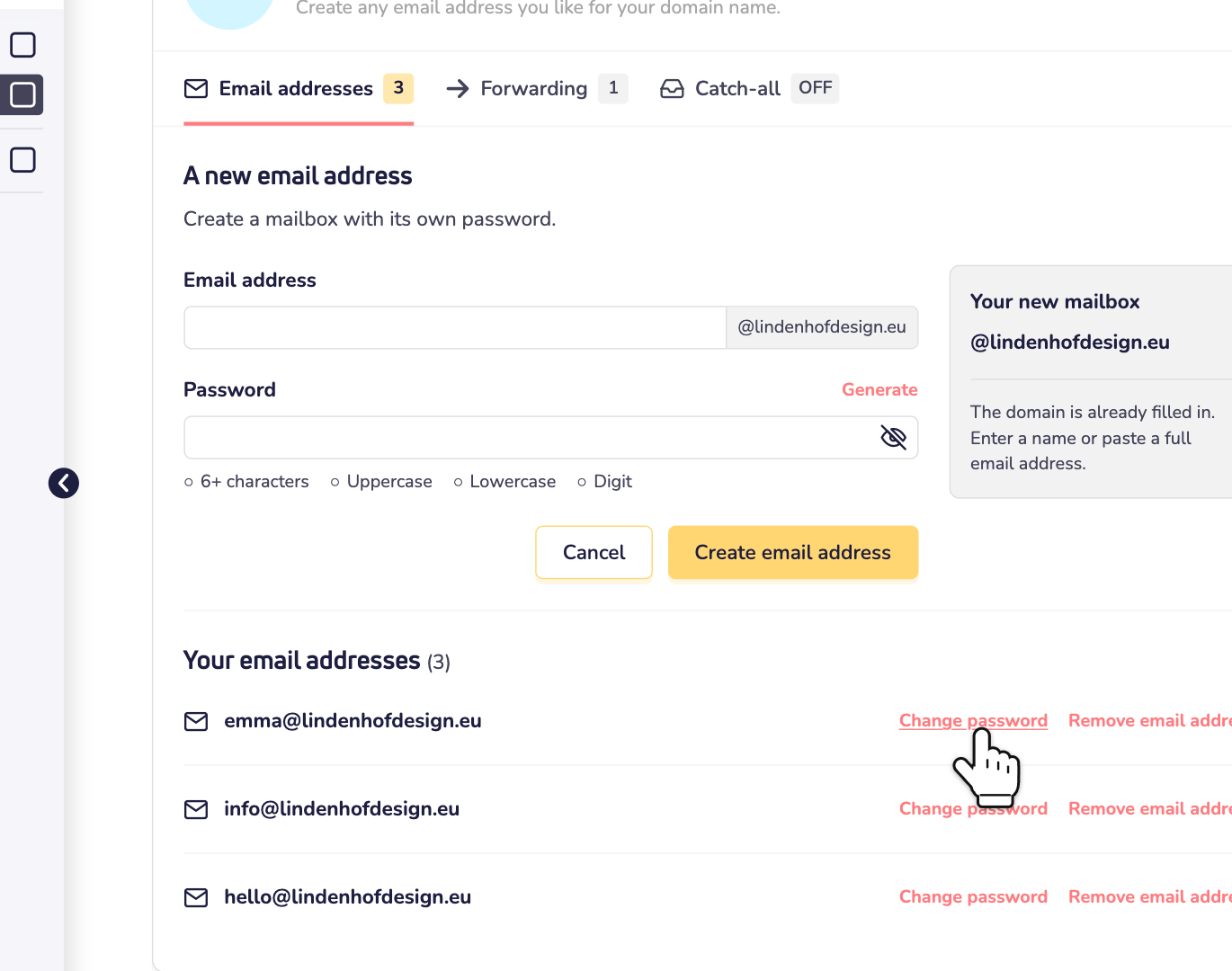
Forgot your password or want to change it?
Open your domain name in the dashboard and click Email. In the list of email addresses, click Change password next to the address. Choose a new password and save it. Then log in to webmail with the new password.
Good to know
- Roundcube and email apps log in with your email address and its password. SiteBirdy uses its own account, to which you add your email addresses.
- Changed the password of your email address? Enter the new password in SiteBirdy and in your email apps too.
- Prefer an app on your phone or computer? Use the server settings for email apps.
- No email address yet? Here's how to create one.